Key Takeaways
- An Android emulator without a real SIM cannot prove SMS. The radio, the operator, and the recipient OEM are the product.
- Keep at least two physical phones: a sender (gateway) and a receiver you control. One device pretending to be both hides half the bugs.
- Test OTP on the same encoding, language, and Retriever hash you will ship — debug signing is not Play App Signing.
- Pace bulk tests. Hammering one SIM is how you discover carrier fair-use the expensive way.
- You bring the phones and operator SMS credit. Gateway pricing is devices plus send volume; Free is 300 SMS lifetime for the first bench.
People type android sms gateway app how to test on real handsets after CI is green and the first real user never got the text. The Android app talks to a modem. Unit tests do not. If you only ever sent from an emulator or a mocked HTTP client, you have not tested SMS.
This Hub D how-to is the lab procedure. Pair it with the phone-as-gateway cornerstone and the Android app download. You supply the phones and operator credit. Pricing is devices plus send volume.
Gateway phone
Dedicated Android, SIM with airtime, charger locked
Receiver phone
Different OEM, different operator if you can
Read the inbox, not only the DLR. Spam folders count as failures.
Why emulators lie
Android emulators can pretend to send SMS inside the virtual device. They do not hit an SMSC. They do not exercise OEM background killers. They do not show you that your Unicode hyphen turned a 160-character OTP into two parts. Google’s own emulator docs are honest about telephony limits. Believe them.
HTTP mocks of POST /messages are useful for your backend. They prove you signed the request. They do not prove a human saw the body. Keep both layers; do not substitute one for the other.
If the only “delivered” you trust is a JSON field, you will ship to a spam folder. Open the destination inbox. Every time you change the template.
What a real test bench looks like
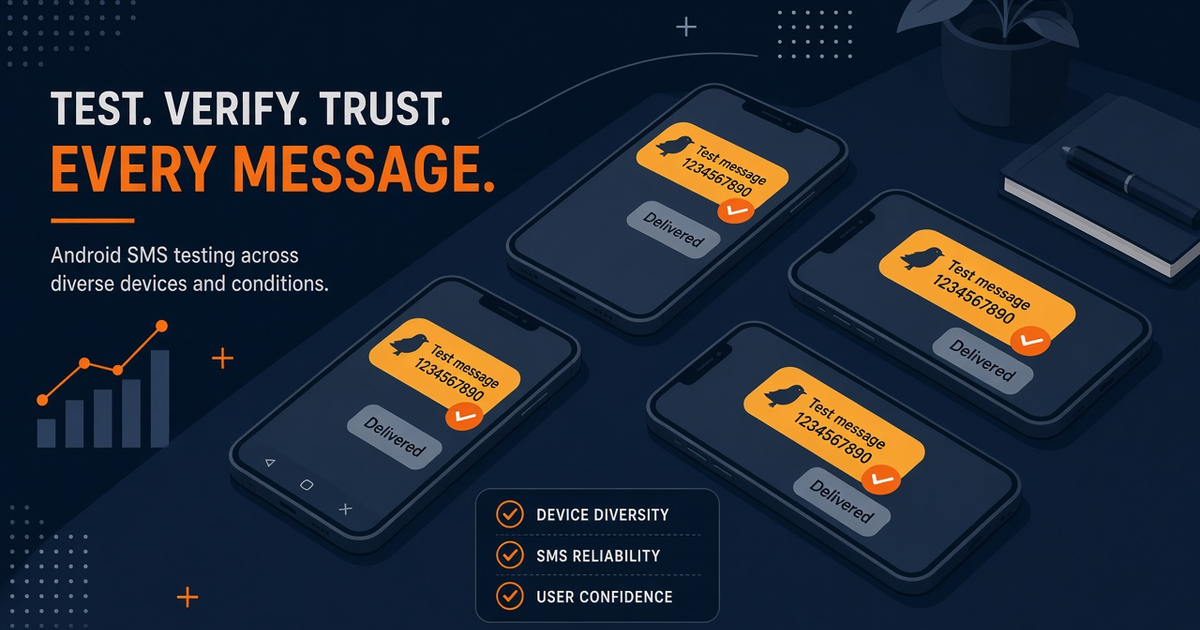
Label the hardware. “OTP-A” and “recv-personal” on a strip of tape beats a drawer of identical black phones. Keep the gateway on a charger in a place with stable RF — not inside a metal cabinet, not on a windowsill that overheats. Pair it with the SMS Gateway app, then leave it paired. Uninstall/reinstall mid-test is how you lose the session and blame the API.
Record IMEI, Android version, operator, prepaid vs postpaid, and whether battery optimization is exempted. After an OEM update, re-run the critical path. The app uptime guide is the production twin of this lab.
Handset test matrix
You do not need twenty SKUs. You need the combinations that actually break.
| Test | Sender | Receiver | Pass means |
|---|---|---|---|
| GSM-7 OTP, one segment | Gateway SIM A | Staff Android, same country | One bubble, code readable, DLR delivered |
| Unicode / local script | Same gateway | Handset with that language pack | No mojibake; know you paid UCS-2 |
| Concatenated (long body) | Same gateway | iOS + Android receivers | Parts arrive in order; none dropped |
| Offline gateway, then recover | Airplane mode 3 min | Canary number | Queue drains without duplicate OTP |
| Second operator | Optional dual-SIM slot | Number on another network | Routing flag actually changed the radio |
Log the time from API accept to inbox, not only to DLR. Some operators mark delivered before the user can read. Your login SLA is the inbox, not the SMSC ack. See delivery reports.
OTP and auto-read
If the recipient app uses SMS Retriever, the test phone must be signed the way production is signed. A debug hash will not auto-read a Play App Signing build. Google’s SMS Retriever API is the contract. The gateway only delivers the bytes.
Isolate OTP from campaign tests on the same device. A bulk CSV trial will sit in front of login codes and make you think the radio is slow. Use OTP on Android as the product page; keep the lab pool dedicated.
OEM and radio surprises
Xiaomi, Oppo, Vivo, Samsung, and stock Pixel do not treat background SMS the same. Aggressive battery savers look like an API outage. After every major Android or OEM update, send the canary again. Dual-SIM routing is only as good as the slot the app can actually select — confirm on glass, not in a comment in code.
Live JSON for deviceIds and slots lives in the Developer Center. Your lab notes should say “slot 2 sent, receiver saw operator B,” not a pasted payload from a blog.
Load tests that will not ban the SIM
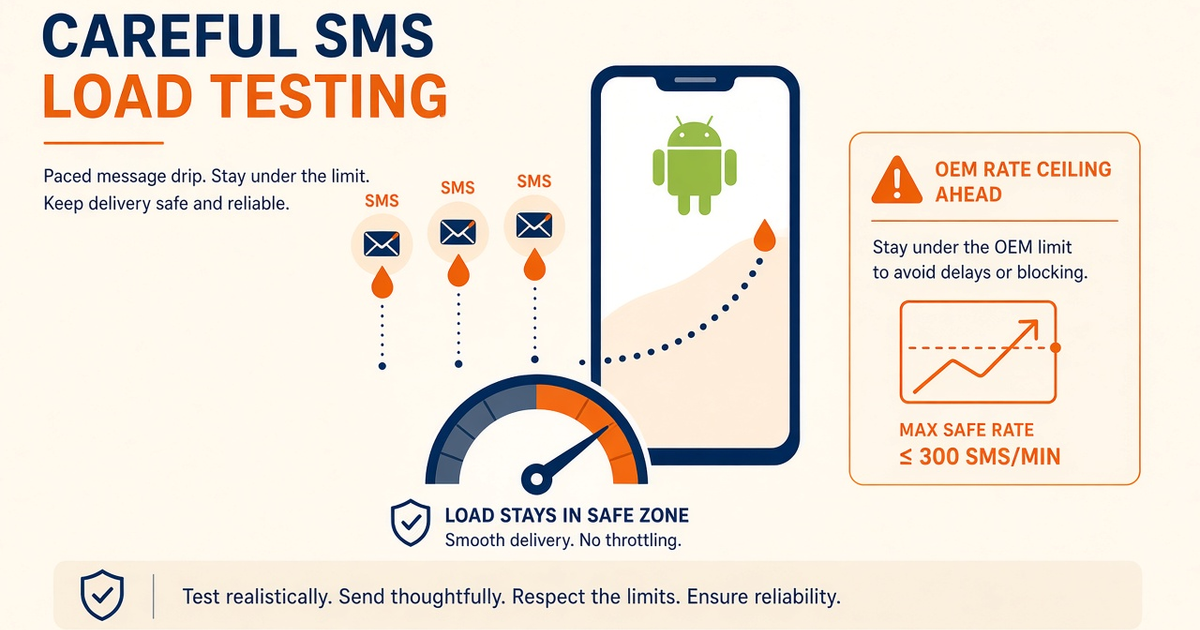
Throughput is physical. A few hundred to a couple of thousand SMS per hour per SIM is the honest band before carriers get unhappy — your operator’s fair-use is the law, not a blog number. Raise OEM rate ceilings where the phone allows it; carrier caps still apply. See how to load-test carefully. Starter, Professional, and Business list Unlimited SMS as platform send volume; that is not unmetered carrier SMS.
Airtime for tests
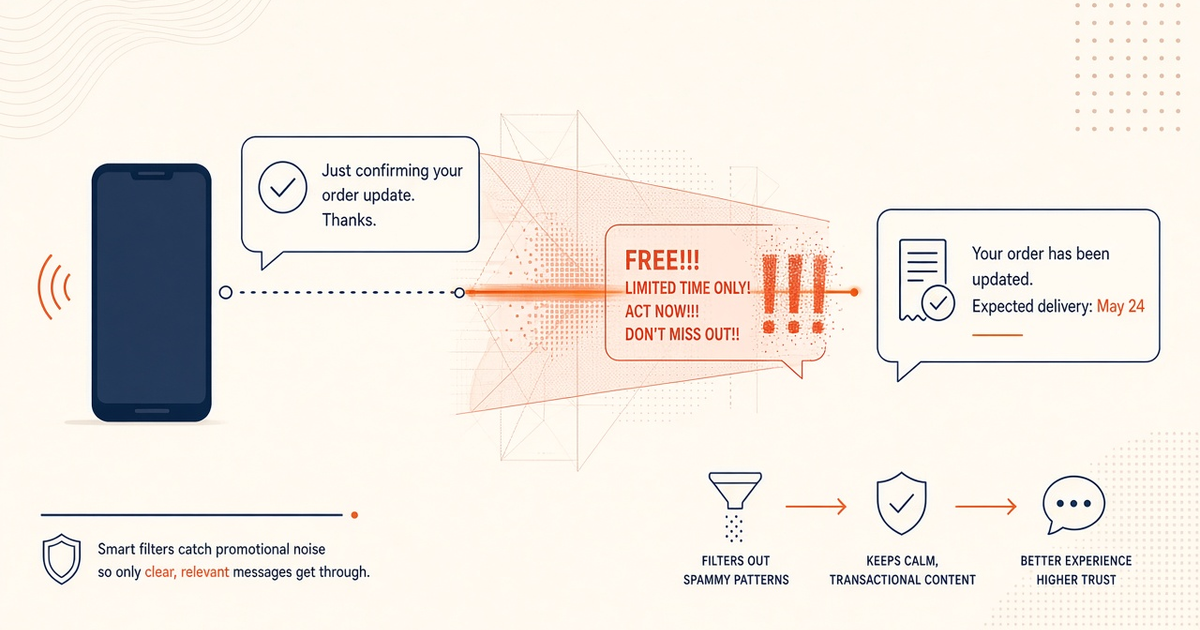
Budget retries. A flaky lab that resends every canary three times will burn the Free allowance (300 SMS lifetime) and then your prepaid balance. Failed tests still meter platform volume and still cost the operator. Keep marketing copy off OTP SIMs even in the lab — filters learn.
Lab checklist
- Gateway phone labeled, charged, battery optimization exempt, SIM with a known balance.
- Receiver phone(s) on at least one other OEM; iOS if customers use iPhones.
- Written matrix: GSM-7, Unicode, concat, offline recover, optional second operator.
- Inbox inspection, not DLR-only. Screenshot the bubble when templates change.
- OTP pool separate from bulk experiments.
- Notes after OEM updates; spare gateway for failover drills.
Next steps
Pair one real phone today. Send ten canaries to a staff handset. Then add the Unicode and concat rows before you promise a launch date. Pricing stays devices plus volume; the lab cost is mostly operator airtime and the time to look at a real inbox.
Related product pages
Jump to the live product docs for this topic—not another long-form article.
- SMS API documentationLive endpoint reference
- device and SMS volume pricingPlans and allowances
- Android SMS gateway product guideDefinition, product, and how to buy
- download the Android gateway appGet the APK