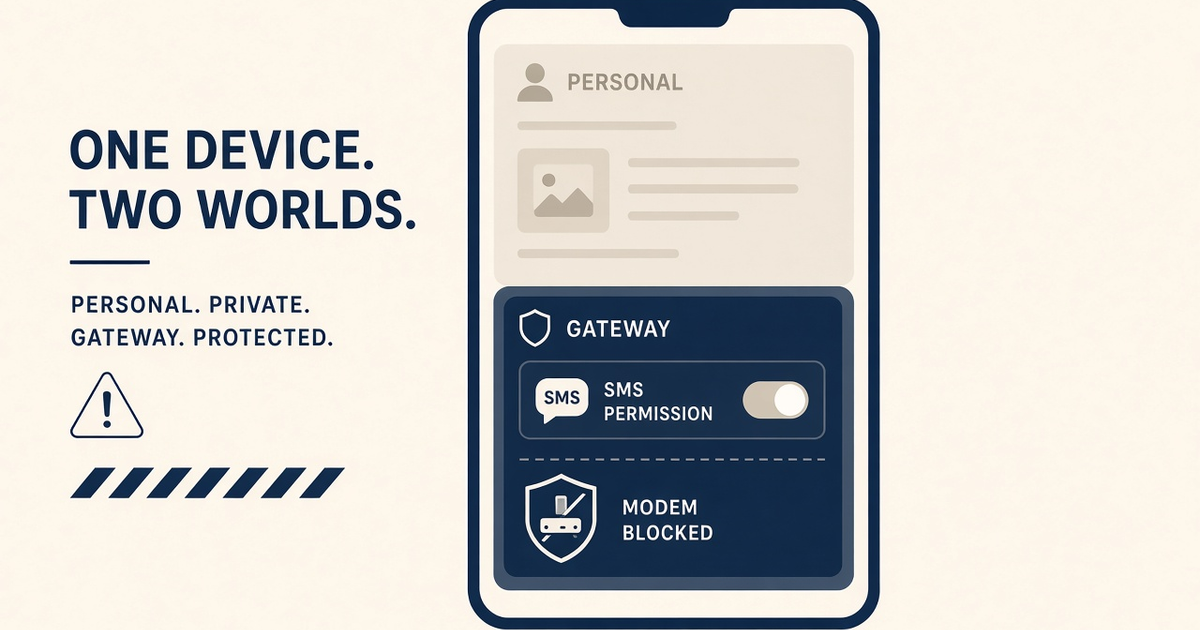
Key Takeaways
- Install the SMS Gateway app in a single personal (or dedicated) user. Work profiles often isolate SMS permission from the radio the control plane thinks it owns.
- MDM / Android Enterprise can silently revoke SMS, background, or notification access after a policy sync.
- Second users and “Dual Messenger” clones create a second app instance that is not the paired device.
- After any profile or user switch, send a staff canary and confirm last-seen before customer OTP.
- You bring the phone and operator credit. Gateway pricing is devices plus send volume.
This Hub D caution is for operators who installed the android sms gateway app on a handset that also has a work profile, a second user, or a Dual Apps clone. Pairing looks fine. Overnight, the queue freezes. The usual autopsy is not “the API.” It is Android treating SMS as a profile-scoped permission.
Keep the product overview on the app cornerstone. This spoke is only the profile trap. You still bring the SIM and airtime. We meter devices and send volume.
Personal user
Gateway APK + SMS permission
Radio reachable. Pairing lives here. Keep it boring.
Work profile
Same icon, different sandbox
SMS, background, and notification access can be policy-denied even when the icon looks identical.
Why extra profiles break a desk modem
A gateway phone is not a daily driver. It needs a stable identity: one user, SMS permission, battery exemption, auto-start, and an always-on process. Android multi-user and work profiles exist to isolatethose things. Isolation is the opposite of a modem.
If you need a work profile on the same handset you use to send customer OTP, you do not have a gateway phone. You have a compromise waiting for the next MDM sync.
Profile types that matter
- Work profile (Android Enterprise) — IT owns a managed half of the device. SMS is often blocked or logged.
- Secondary users — another lock screen, another copy of the app, another permission grant.
- Private space / second clone (OEM Dual Messenger) — looks like two gateways; only one is paired. The clone will not see the same device id.
- Guest — never. Guest sessions drop background work the moment they end.
Permission matrix
| Surface | Dedicated personal user | Work profile install | OEM app clone |
|---|---|---|---|
| SEND_SMS / READ_SMS | Grant once, verify after OS update | Often MDM-denied | Granted only in the clone — easy to mix up |
| Background / auto-start | Exempt battery saver | Policy may freeze it overnight | Clone ignored by OEM auto-start lists |
| Pairing identity | Stable device id | May re-register after wipe | Second identity; control plane sees a stranger |
| Supportability | Default | Need IT ticket to unstick | Looks like “random offline” |
Where to install the APK
Download from the official downloads page. Install into the user that will stay unlocked (or PIN-locked but not profile-switched) on the desk. Open that same icon to pair. Do not pair from the work-profile copy “because the icon was on the home screen.”
First-launch steps: install and first launch. Notification access: notification access.
OEM + MDM combinations
Xiaomi, Oppo, Vivo, Samsung, and Huawei already fight background SMS. Add Intune or another EMM and you stack two restriction engines. If corporate IT requires a work profile, buy a second physical phone for the gateway. Do not argue with the MDM about SMS on a BYOD daily driver.
US operators and A-series Samsung Knox policies are a frequent combo. Geo notes: SMS gateway for the USA. If the alternative was a rented number with no hardware, that is a different product — see Twilio vs Android SMS gateway.
Canary after every profile change
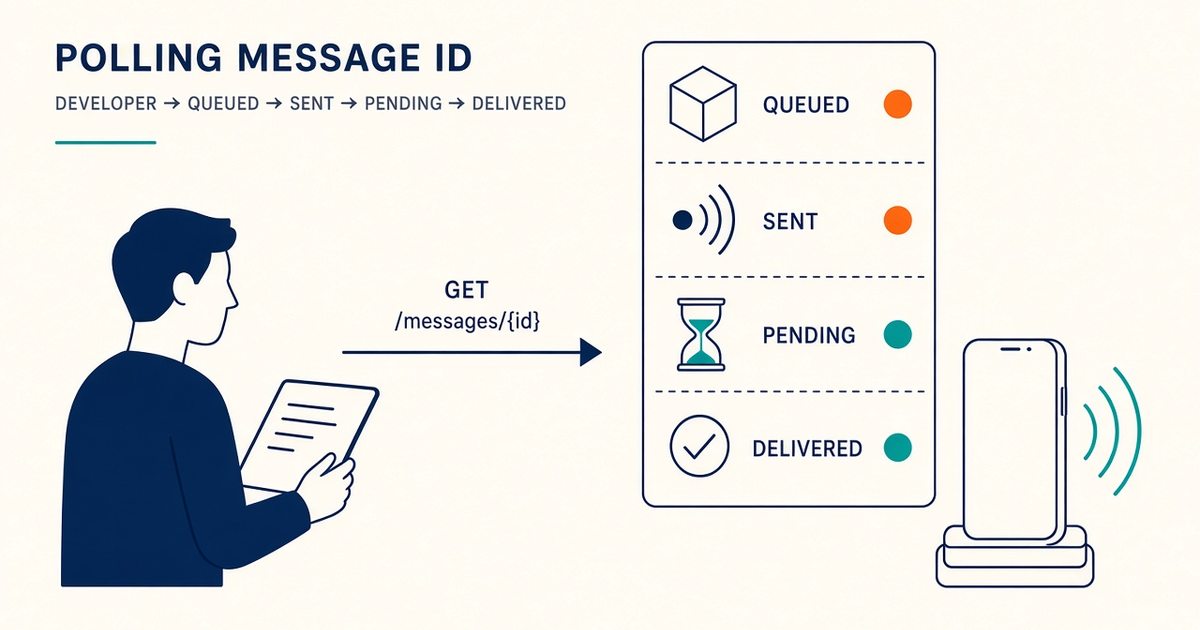
Adding a Google account, accepting a work profile invite, or tapping “Dual Apps” is a production change. Send a staff SMS, watch DLR, confirm last-seen in the panel. If last-seen stalls, you installed into the wrong sandbox.
Keep a rollback APK. Profile experiments have a habit of coinciding with “we also updated the app.”
Dedicated hardware beats clever profiles
One cheap Android on a charger, one SIM, one user. That is the reliable pattern. Dual SIM is a radio choice (dual SIM guide), not a reason to add users. Isolate OTP on that chassis. Spare charged devices beat brochure SLAs.
Platform meter: devices + volume. Free is 300 SMS lifetime. You fund operator airtime.
Checklist
- No work profile on the gateway handset, or a written exception from IT that SMS is allowed.
- Single user; Dual Apps / clone disabled for the gateway package.
- SMS, battery exemption, autostart granted on that user.
- Canary send after OS update, MDM sync, or adding an account.
- Spare phone documented if this one must ever join corporate email.
Next steps
Open Settings → Users & accounts on the desk phone. If you see a work profile you do not fully control, move the gateway to another device. Setup · Downloads.
Related product pages
Jump to the live product docs for this topic—not another long-form article.
- device and SMS volume pricingPlans and allowances
- Android SMS gateway product guideDefinition, product, and how to buy
- SMS API documentationLive endpoint reference
- download the Android gateway appGet the APK