Key Takeaways
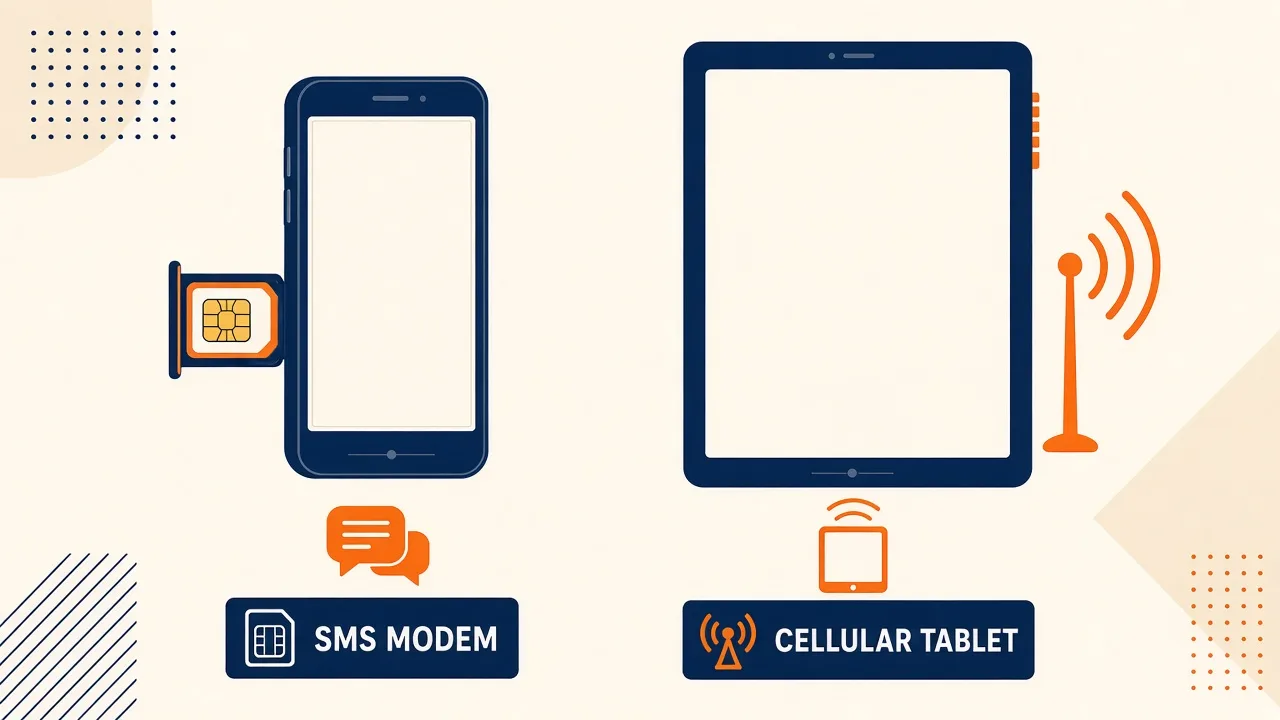
- An Android SMS gateway modem is a device with an SMS-capable SIM. Screen size is a convenience, not a radio.
- Wi-Fi-only tablets cannot send SMS. Do not buy them as “gateways.”
- Phones are the default: cheaper, better documented OEM SMS ceilings, easier SIM trays.
- A cellular tablet can work if the SKU includes a voice/SMS SIM slot — verify with a canary before you rack ten of them.
- Work profiles and guest users isolate SMS permissions. Prefer a dedicated device.
- Service pricing is based on device count and total SMS sent through the gateway. You need a working Android phone with a SIM and SMS credit from your mobile operator. Operator message costs are yours—we do not sell carrier SMS balance.
Hub D searchers asking about an android sms gateway app and tablet vs phone as modem usually have a procurement spreadsheet with “Android tablet × 8” because tablets look like infrastructure. The radio does not care about diagonal inches. It cares whether a SIM that can send SMS is present, funded, and allowed to stay awake.
This spoke sits under the Android SMS Gateway App cornerstone. Service pricing is based on device count and total SMS sent through the gateway. You still bring the device and operator credit — see device and SMS volume pricing.
Buy the modem you can replace at a corner shop. That is almost always a used phone, not a display tablet with a data-only SKU.
The SIM decides, not the screen size
SMS leaves through the operator SMSC attached to that ICCID. Wi-Fi is how the gateway app talks to the control plane. Mixing those two networks in a purchase order is how teams rack pretty glass that cannot text.
Android 8.0+ is the practical floor for unattended duty (Doze, autostart, USSD on 8+). Confirm the exact SKU has a voice/SMS SIM, not “cellular for data.” Insert the SIM, send one canary from the official app, read the destination MSISDN. If that fails, the rest of the fleet plan is fiction.
Tablet vs phone as modem
| Need | Phone | Cellular tablet | Wi-Fi tablet |
|---|---|---|---|
| SMS-capable SIM | Normal | Only on voice/SMS SKUs | Never |
| Spare cost | Low — used handsets | Higher, fewer SMS-capable units | Wasted |
| OEM SMS rate docs | Common on Samsung / Pixel / Xiaomi phones | Sparse | — |
| Shelf / USB-C power | Easy | Works, bulkier | — |
| Work profile risk | Still real on BYOD | Higher — tablets are often MDM endpoints | — |
Why Wi-Fi tablets fail
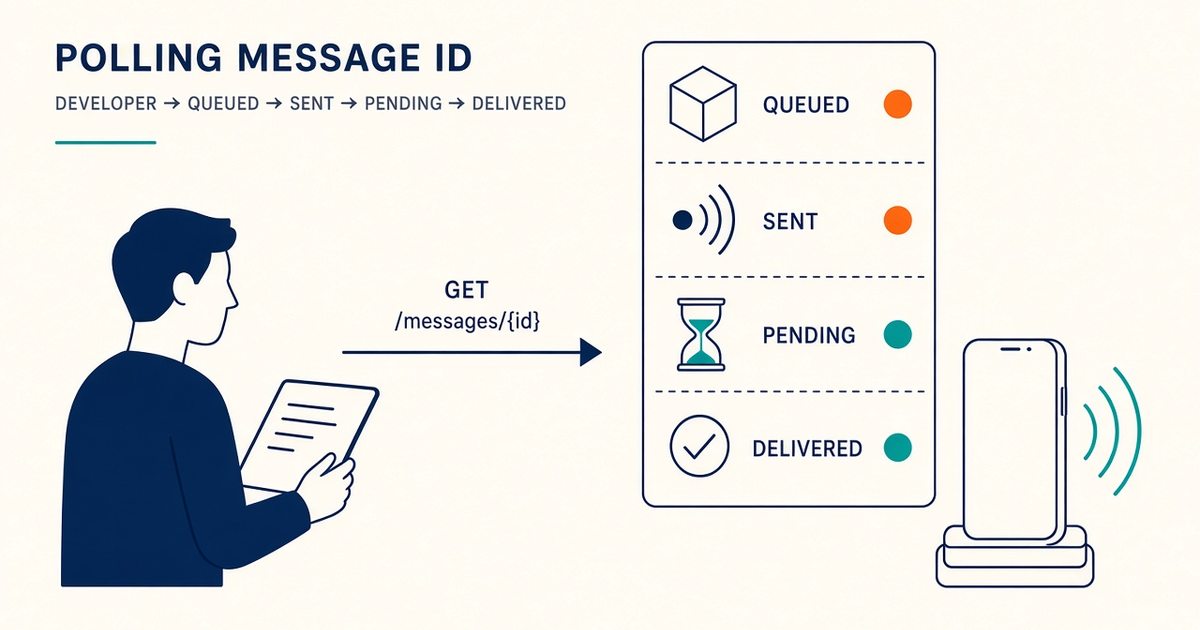
They pair. They show last-seen. The send API returns an id. Then the job sits because there is no modem path. Support tickets sound like “gateway bugs.” The hardware never had SMS. Filter SKUs by “nano-SIM, SMS, not data-only” before finance approves a carton.
When a cellular tablet is honest
Some markets sell LTE tablets with a proper voice SIM. If that device sends a canary, stays exempt from battery optimisation, and you can buy two spares, it is a valid modem. Do not generalise from one Lenovo SKU to “tablets work.” Label the ICCID on the bezel. Tablets hide trays.
Dual SIM is rarer on tablets. If you need OTP vs bulk split, you probably wanted phones anyway — see multi-device and dual SIM.
OEM and form-factor quirks
Phablets and tablets share the same OEM killers: aggressive Doze, “sleeping apps,” and missing SMS permission after an update. A dedicated phone with autostart + ignore battery optimisations is the documented path. After every system update, send a canary and watch last-seen overnight. Keep a rollback APK from Downloads.
CTIA-style messaging principles still apply to the traffic, not the chassis. Read CTIA messaging principles as industry context. A tablet does not make a blast “transactional.”
Buying hardware in-market
In Bangladesh and similar prepaid-heavy markets, used phones with working SIMs are easy to replace the same day. Import tablets with US data-only SKUs are a customs story and a radio failure. Validate RF in-country — see SMS gateway for Bangladesh— before you standardise a chassis.
Shelf layout and power
Horizontal phone on a cheap stand, USB-C PD, Wi-Fi that is not guest-isolated, SIM labelled. Tablets need more shelf and still need the same power and pairing discipline. Name an on-call who can walk to the drawer. A “server room tablet” nobody can find at 2 a.m. is worse than an ugly phone with tape on it.
Checklist
- SKU confirmed SMS-capable SIM, not data-only.
- Canary send from official APK before bulk hardware orders.
- Battery exemptions + autostart after first boot and after OEM updates.
- No MDM work profile on the gateway user.
- Spare of the same form factor funded.
- ICCID labelled on the device.
- Wi-Fi tablets rejected in procurement.
Next steps
Install from downloads, follow setup, and keep this spoke linked from the app guide rather than duplicating it.
Related product pages
Jump to the live product docs for this topic—not another long-form article.
- device and SMS volume pricingPlans and allowances
- Twilio vs Android SMS gatewayCloud vs own-SIM cost model
- Android SMS gateway product guideDefinition, product, and how to buy
- SMS API documentationLive endpoint reference