Key Takeaways
- Auto-reply and STOP on an Android SMS gateway only run while the paired device is online. Treat offline as “opt-out not processed yet.”
- Promotional lanes need STOP. OTP lanes need silence. Mixing them trains filters and users badly.
- Record the opt-out in your system of record — a clever SMS reply is not a GDPR/TCPA log.
- Keep the confirmation short. Do not attach a coupon. Do not start a chatbot argument.
- Watch for bot-to-bot loops when two gateways auto-reply to each other.
- Service pricing is based on device count and total SMS sent through the gateway. Auto-replies spend operator airtime. You need a working Android phone with a SIM and SMS credit from your mobile operator. Operator message costs are yours—we do not sell carrier SMS balance.
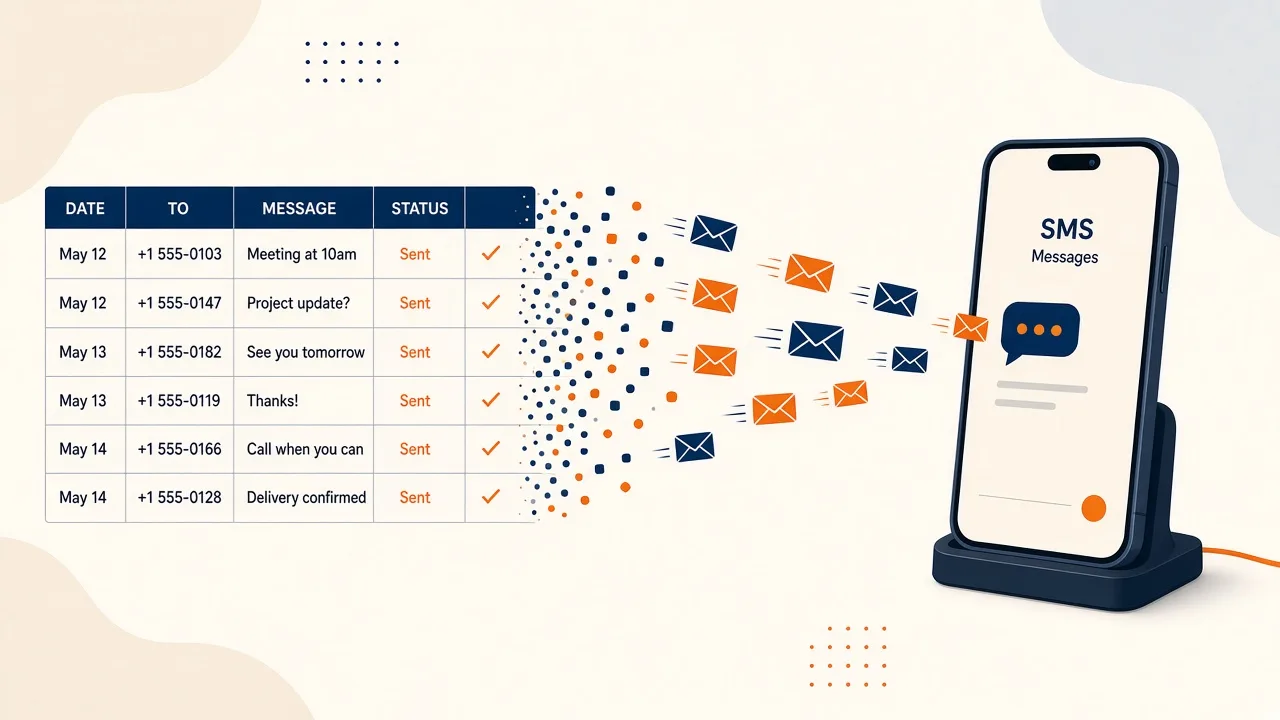
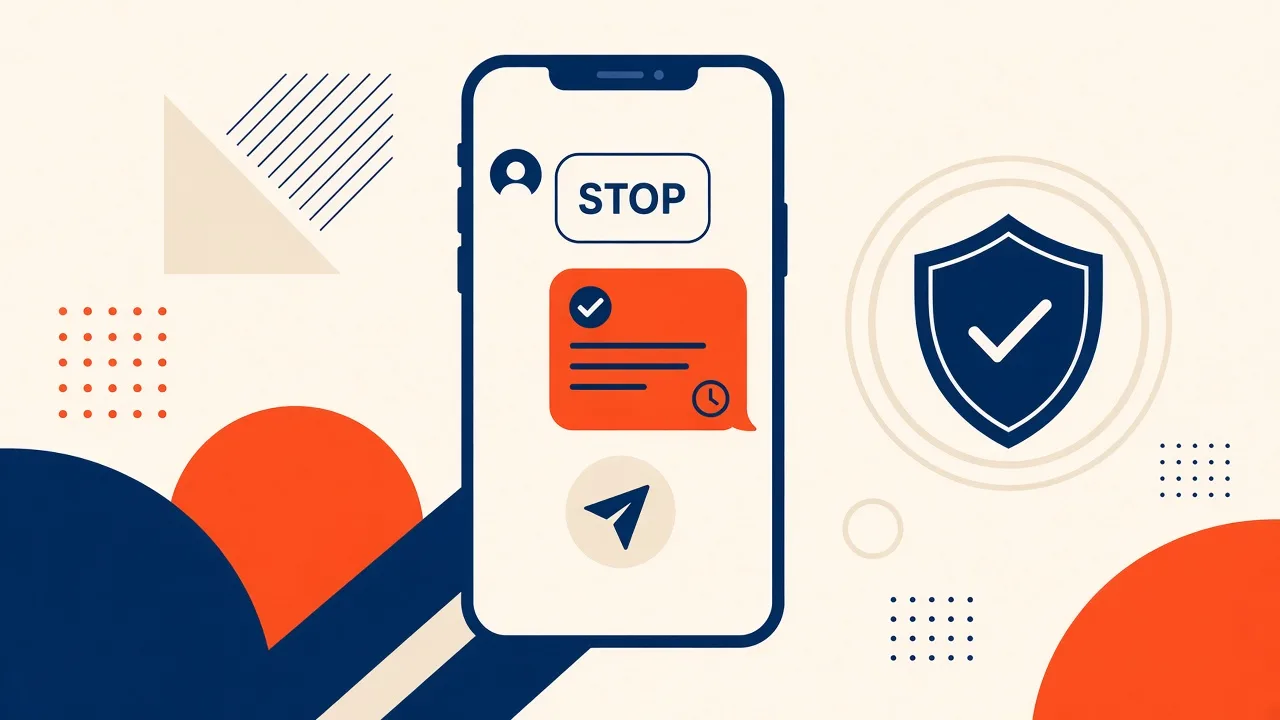
Android SMS Gateway auto-reply and STOP best practices exist because teams turn on a keyword, feel compliant, and then watch a login SIM answer “You have been unsubscribed” to a one-time code. The feature is real: inbound on your SIM, keyword match, outbound reply while the device is online, opt-out recorded when you wire it. The failure modes are also real.
Match the pillar auto-reply and STOP. Do not rewrite it here. Service pricing is based on device count and total SMS sent through the gateway. Every confirmation SMS still burns operator credit.
If STOP only lives in a chat bubble and not in a list you actually skip, you built a courtesy, not an opt-out.
What STOP is for
Promotional and some reminder lanes. Recipients must be able to leave. Operator codes and laws (TCPA-style in the US, PECR/GDPR in Europe, local rules elsewhere) expect you to honour that. Industry tone: CTIA messaging principles. Counsel owns the statute. You own the radio staying up so the keyword is seen.
Never auto-reply on OTP
Isolate devices. A STOP handler on the authentication SIM will send extra parts, confuse expiry, and look like marketing to filters. Login codes should not teach people to text STOP to their bank-style 2FA number — and should not spend airtime confirming a suppression you never should have offered on that lane.
Keyword table
| Inbound | Do | Do not |
|---|---|---|
| STOP, STOPALL, UNSUBSCRIBE, END, QUIT | Suppress the number on promotional lists; short confirm | Argue, upsell, or ask “why?” |
| HELP, INFO | Brand name + how to opt out + a human channel | Dump a menu of ten keywords |
| START, YES (if you use it) | Re-opt-in only if your consent model allows | Treat as consent for a new product line |
| Random chatter | Two-way inbox / webhook to support | Auto-reply “I did not understand” in a loop |
| OTP thread | No auto-reply | STOP footer on the code |
The device has to be awake
Auto-reply is not a cloud worker. If last-seen is stale, inbound sits and your suppression lags. Alert before a campaign weekend. Spare charged device on multi-device plans. OEM battery exemptions — the same runbook as any unattended gateway.
Reply loops
Two auto-reply SIMs texting each other will empty prepaid packs in an afternoon. Cap replies per sender per hour. Do not auto-reply to short codes or obvious gateway patterns. If you see a ping-pong in history, disable the keyword on that device before you “debug the API.”
Record the opt-out
Write the MSISDN, timestamp, keyword, and campaign/list into your CRM or suppression table. The panel inbox is not your legal archive. Import that list before the next CSV blast. Contact lists: contacts and lists.
What to say back
“Acme: you are opted out of promo SMS. No more marketing texts. For account help, email support@…” — one part, GSM-7 if you can, no public shortener, no emoji. HELP replies should still identify the sender.
Two-way support that is not STOP belongs in two-way inbox, not in a keyword that fires on every inbound.
Checklist
- STOP only on promotional device pools.
- OTP SIMs have auto-reply off.
- Suppression written to a durable store.
- Last-seen alerts on the STOP device.
- Per-sender rate limit to kill loops.
- Confirmation template one boring part.
- CSV campaigns skip suppressed numbers.
Next steps
Configure keywords on auto-reply SMS, keep consent on bulk SMS, and confirm live fields in API docs.
Related product pages
Jump to the live product docs for this topic—not another long-form article.
- two-way SMS inboxReplies on your SIM
- SMS auto-reply and STOP keywordsOpt-out and keywords
- SMS API documentationLive endpoint reference
- device and SMS volume pricingPlans and allowances