Key Takeaways
- Contact lists on the gateway are send audiences and suppression, not a second HubSpot.
- Separate OTP / transactional numbers from campaign lists even if they are the same humans.
- A list without STOP handling is a future incident.
- Plan limits still apply: Free is 300 contacts and 300 SMS lifetime.
- You bring the phone and operator credit. Devices plus send volume is the platform meter.
Lists are not a CRM
Search for “android sms gateway contacts” usually means: where do I put numbers so bulk and two-way do not become a folder of CSVs on someone’s laptop. The honest answer is a send audience with suppression — not a full customer graph.
Product: contacts and lists. This overview is the mental model. Pricing is devices plus SMS send volume. Free: 300 contacts, 300 SMS lifetime. You still pay the operator when a send actually leaves the radio.
What a list is here
A named collection of MSISDNs you are allowed to text for a purpose: “March restock,” “clinic reminders,” “staff canaries.” Fields beyond phone should stay thin: locale, name for personalization, maybe a segment tag. The rest belongs in your app.
“If the list is the only place a customer exists, you do not have contacts. You have a hostage file you will lose on export day.”
Two-way threads still key off the SIM number, not the list name. Inbox is a conversation. The list is who you might text next.
List vs segment vs suppression
| Bucket | Job | If you skip it |
|---|---|---|
| List | People you intend to message for a purpose | Ad-hoc CSV forever |
| Segment | A filter on a list (locale, tag, last send) | You blast everyone “just this once” |
| Suppression | STOP, bounce, wrong number, legal hold | You recreate yesterday’s complaint |
How numbers get in
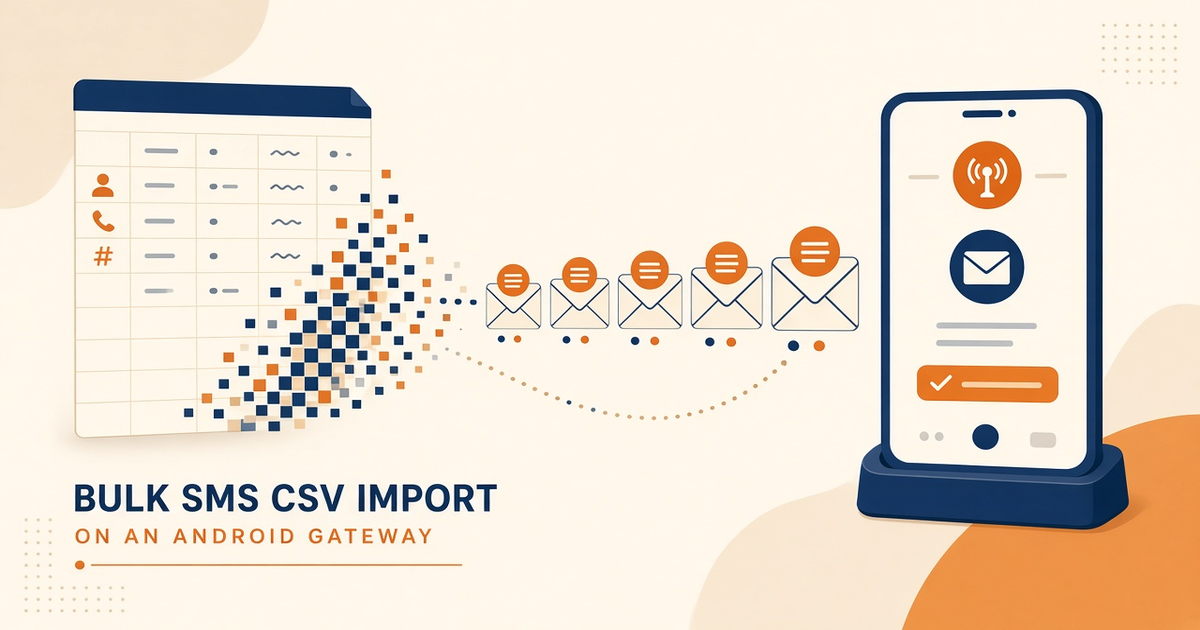
Panel entry, API, or spreadsheet. CSV import is the usual firehose — and the usual Excel scientific-notation disaster. Normalize to E.164 on the way in.
Dedup on send, not only on import. The same person in “VIP” and “Newsletter” should not get two copies of one campaign unless you meant that.
HTTPS samples: PHP, C#. Not a contacts SDK product.
Keep OTP off marketing lists
Login codes should not iterate a campaign list. Pull the number from the user record, send on an OTP device pool, OTP use case. Mixing them is how a restock blast delays 2FA.
Transactional receipts can share a “customers” list only if STOP still applies where the law says it does, and if you are not piggybacking promo copy on the receipt. Transport does not know the difference. Your template does.
Retention and export
Decide how long list rows live. A number you have not used in 24 months is often a complaint waiting. Export before you change plans or vendors. History retention follows the plan; do not assume the panel is an archive forever.
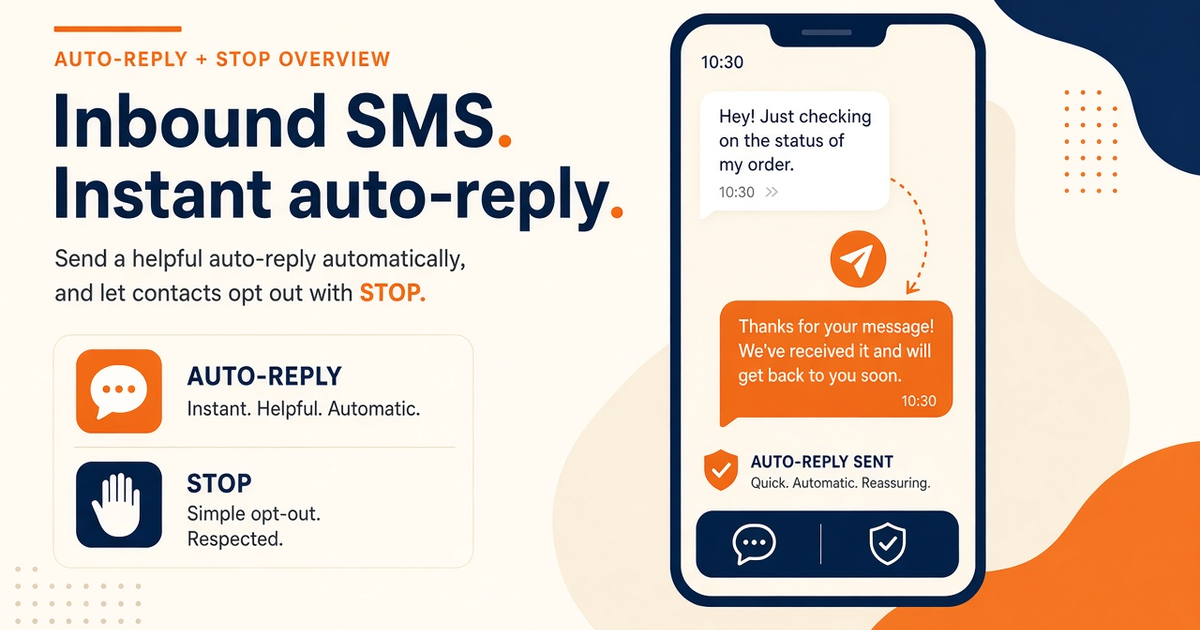
STOP from auto-reply must land in suppression even if you delete the marketing list. Deleting the audience is not the same as honoring opt-out.
Data-minimization reading: European Commission data protection. Your counsel owns the actual regime.
Next steps
Make three lists: canary, transactional, marketing. Put STOP on the last two. Keep OTP off all three. Setup: pair a device. Caps: pricing.
Related product pages
Jump to the live product docs for this topic—not another long-form article.
- SMS API documentationLive endpoint reference
- device and SMS volume pricingPlans and allowances
- contacts, lists, and segmentsAudience hygiene
- Android SMS gateway product guideDefinition, product, and how to buy