Key Takeaways
- android sms gateway for field service message templates is a short library: dispatch, ETA, parts delay, OTP, and review — not a novel from the tech.
- Keep job IDs and windows. Leave customer notes, card numbers, and diagnoses out of the body.
- Someone must own the two-way inbox. A “yes” reply that nobody reads is how you double-book a van.
- Pin dispatch to a stable SIM. Promo “rate us” texts do not belong on the same radio as “we are 12 minutes out.”
- Priced by devices and SMS send volume. You use your own phone and operator SMS credit. The shop funds operator airtime.
- Canary every new template on a staff handset before it hits customers.
Why templates beat free-text from the van
Search intent for android sms gateway for field service message templates is operational: dispatch and ETA texts that a customer can act on, sent through Android SIMs you operate. Service pricing is based on device count and total SMS sent through the gateway. The field service management (FSM) system owns the job; the gateway is transport.
If “on my way” is typed from a tech’s personal phone, you have no DLR, no STOP, and no idea who promised 10:00.
Free-text from the road also leaks: gate codes, card details, photos of the basement. Templates force a short, reviewable body. Pairing and battery exemptions still apply — see device setup.
A field-service template library
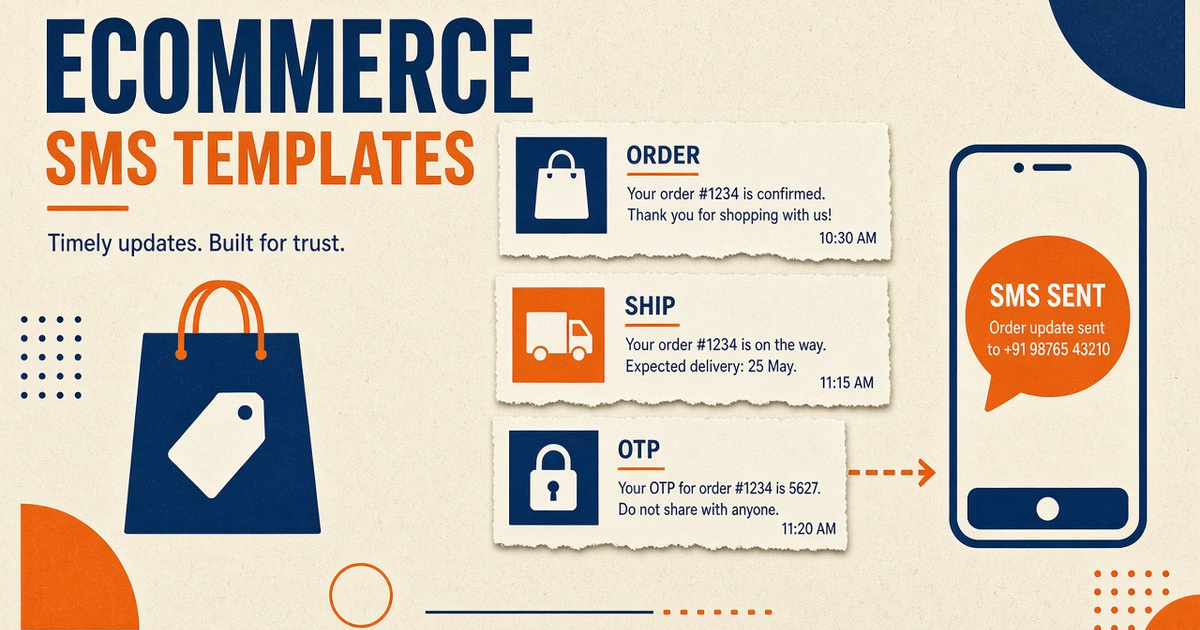
Five bodies cover most HVAC, plumbing, and appliance days. Version them in the FSM, not in a shared spreadsheet nobody owns. STOP language on promotional lanes; transactional dispatch still needs a written policy with counsel for your region (CTIA consumer messaging principles).
| Kind | Say | Skip |
|---|---|---|
| Dispatch / window | Job 4821: tech arriving Thu 10:00–12:00. Reply 1 to confirm. | Full customer complaint, photos of the fault, card last-four |
| ETA pulse | We are about 12 minutes out for job 4821. | Live GPS URL plus the customer’s gate code in the same SMS |
| Parts / delay | Part delayed. New window Fri 09:00–11:00. Reply STOP to leave this thread. | Supplier invoice, cost, and blame |
| Portal OTP | Your login code is 481920. Expires in 5 minutes. | Code plus the full work-order PDF in MMS |
| Review / promo | Thanks for the visit. Optional review link. Reply STOP to opt out. | Same SIM as dispatch; no consent; no STOP |
Review asks are marketing. Isolate them from dispatch. Auto-reply and STOP. OTP for a customer portal is a third lane — OTP verification.
Variables that belong in SMS
- Job id, date, window, site name or short address.
- ETA minutes only if the FSM refreshes it; stale “12 minutes” is worse than silence.
- Confirm / cancel codes that your inbox parser actually handles.
Do not interpolate free-form tech notes. Concatenated SMS burns airtime and looks like spam. OTP template design for short codes; same discipline for dispatch.
Two-way replies and double-booking
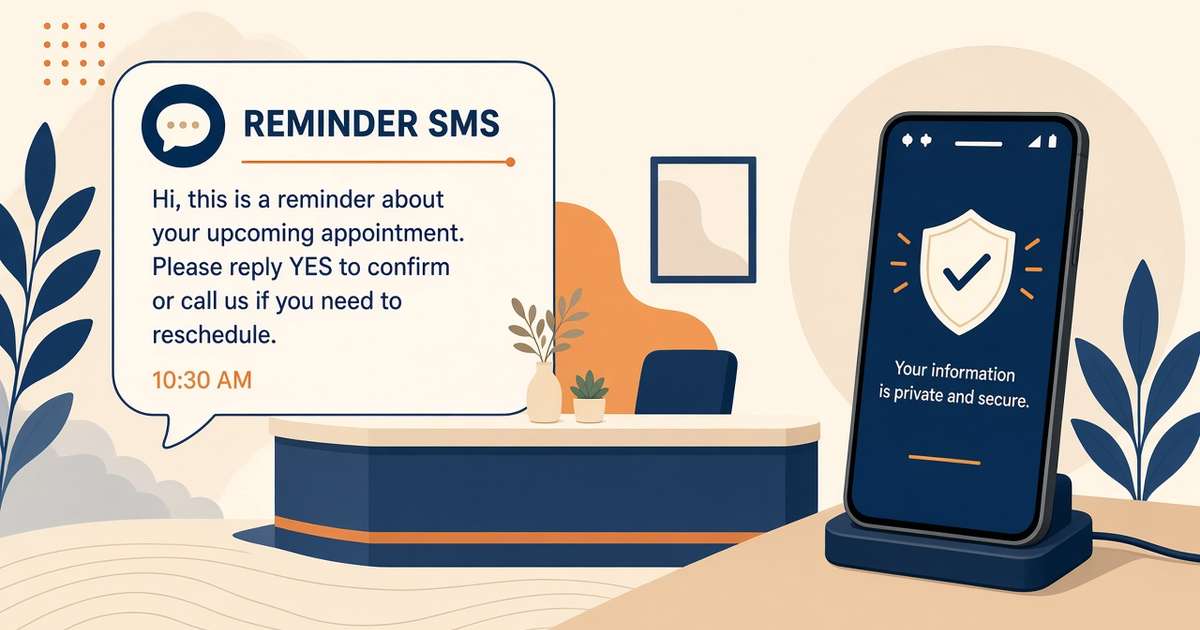
Customers will reply “can you do 3pm.” If nobody watches two-way SMS, the FSM still shows 10:00 and the van is elsewhere. Name an owner. Auto-reply can cover after-hours and STOP; it must not invent a booking.
Idempotency on dispatch events: a webhook retry from the FSM should not send three “we are on our way” texts. Docs: docs.sms-gateway.app.
Which SIM sends which template
Pin dispatch + ETA on one deviceId. Put review/promo on another. Starter is 2 devices — enough for ops plus spare if you skip marketing. Dual SIM can add an operator; it is still one phone meter. Dual-SIM routing. Spare charged handset in the shop, not in a tech’s pocket overnight.
OEM rate ceilings and carrier fair-use still apply. Starter, Professional, and Business list Unlimited SMS as platform send volume; that is not unmetered carrier SMS. Airtime is the operator’s bill. Priced by devices and SMS send volume. You use your own phone and operator SMS credit.
Template checklist
- Five bodies versioned in the FSM, not Slack.
- Dispatch SIM ≠ review SIM.
- Inbox owner named; after-hours auto-reply documented.
- Idempotency-Key on job-state SMS.
- Staff canary on every new string.
- No card data, gate codes, or full notes in the body.
Next steps
Write the five templates, pair a spare from setup, send a fake job to a staff number, then enable one live window. Pricing for device caps. Download: Android gateway app.
Related product pages
Jump to the live product docs for this topic—not another long-form article.
- SMS API documentationLive endpoint reference
- device and SMS volume pricingPlans and allowances
- Android SMS gateway product guideDefinition, product, and how to buy
- download the Android gateway appGet the APK