Key Takeaways
- Firewall work on an Android SMS gateway is mostly egress from phones to the control plane, plus ingress allowlists on *your* webhook hosts — not a magic IP we publish in this article.
- Start from the server cornerstone. This spoke does not rewrite cloud vs local.
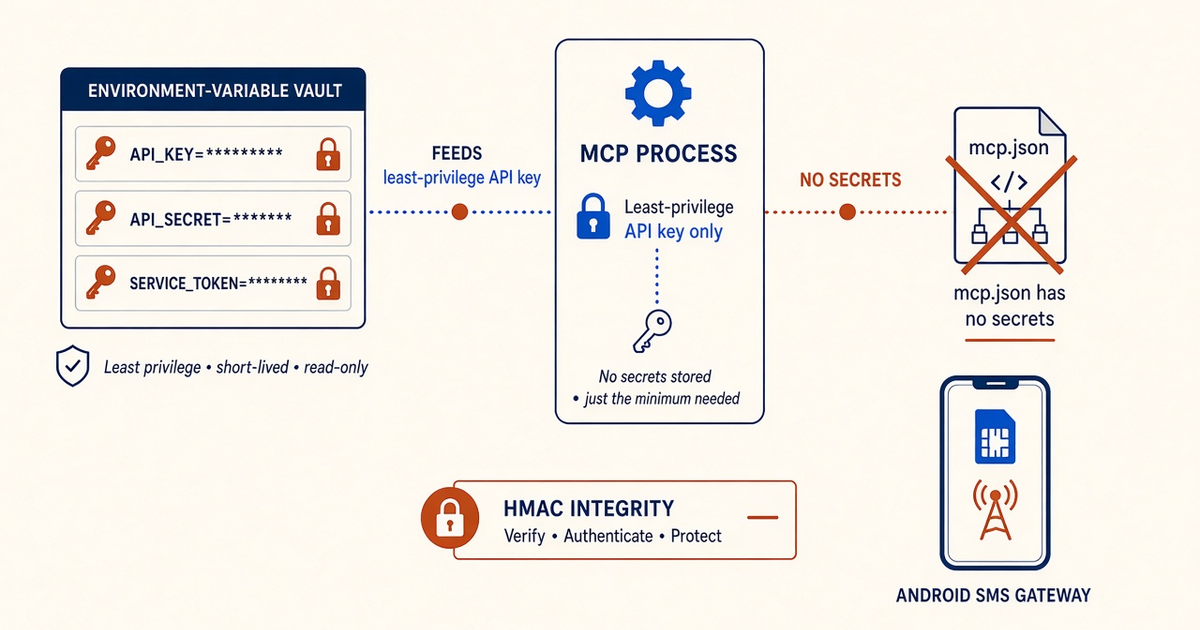
- Allowlisting the office WAN does not stop a stolen Bearer token on that same network. Pair it with key rotation and HMAC.
- Do not invent production egress IPs here. Confirm live docs / support when you need a pin.
- You still bring the phone and operator credit. Platform pricing is devices plus send volume.
Two directions of traffic
Cornerstone: Android SMS gateway server. This spoke is firewalls and IP allowlists. The radio is still on a phone you host. The “server” is the control plane in front of that radio.
We meter devices and volume. A tighter firewall does not uncap carrier SMS. Starter, Professional, and Business list Unlimited SMS as platform send volume; that is not unmetered carrier SMS.
Hosted control plane
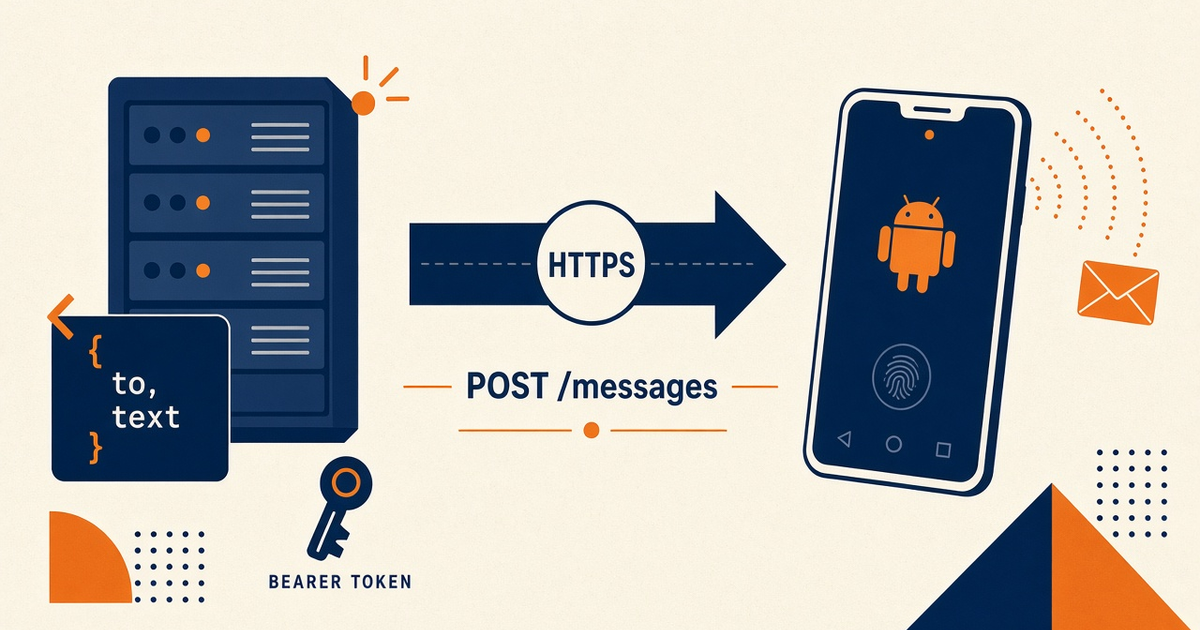
Phones and your backends talk to the hosted API over HTTPS. Inbound to the handset from the public internet should stay closed. If you pin destinations, confirm the live host list in Developer Center — do not copy guessed IPs from a blog. Trust center: security.
“Allowlisting your office IP does not stop a stolen API key from a laptop on that same network.”
What to allowlist
| Path | Direction | Typical control |
|---|---|---|
| Phone → control plane | Outbound HTTPS | Allow documented hosts; do not deny-all the SIM modem’s data |
| Your app → POST /messages | Outbound HTTPS | Bearer in env; optional source IP lock if the product supports it |
| Webhooks → your app | Inbound to you | Verify HMAC signature; pin source IPs only when published |
| Play / OEM updates | Outbound | Blocking updates freezes pairing and exemptions |
| Inbound to the phone | Unsolicited | Default deny; SMS still uses the radio, not a public port |
Your webhook receivers
DLR and inbound SMS land on URLs you own. Signature check first. IP allowlists second — they drift when we (or you) change egress. Plan a change window. Baseline: CISA network-exposure guidance (context, not a product claim).
Local / DIY edges
Local mode can shrink internet exposure and raises the DIY TLS, VPN, and lockout burden. Document a break-glass path before you allowlist yourself out of SSH. Cloud vs local still does not remove SIM power ops.
Next steps
Draw the two arrows (phone out, webhook in). Confirm last-seen after the firewall change. Plans: pricing. Operator credit stays yours.
Related product pages
Jump to the live product docs for this topic—not another long-form article.
- SMS API documentationLive endpoint reference
- device and SMS volume pricingPlans and allowances
- Security and Trust CenterCompliance and posture
- Android SMS gateway product guideDefinition, product, and how to buy