Key Takeaways
- QR pairing binds a physical Android to your gateway account so API sends can use that SIM. It does not buy operator airtime.
- Pairing needs IP to the control plane. Delivery still needs the cellular radio.
- Treat live QR screens as secrets. Do not paste them into public tickets.
- Re-pair after wipe, new APK, or a new phone. Assume the old binding is gone.
- Service pricing is based on device count and total SMS sent through the gateway. You need a working Android phone with a SIM and SMS credit from your mobile operator. Operator message costs are yours—we do not sell carrier SMS balance.
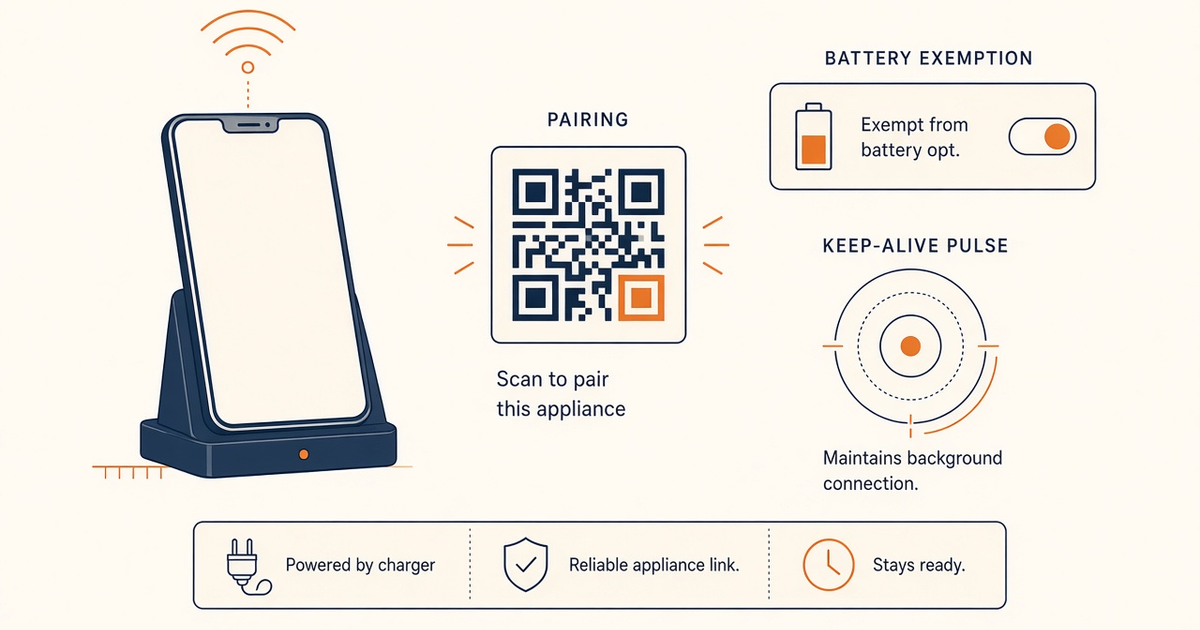
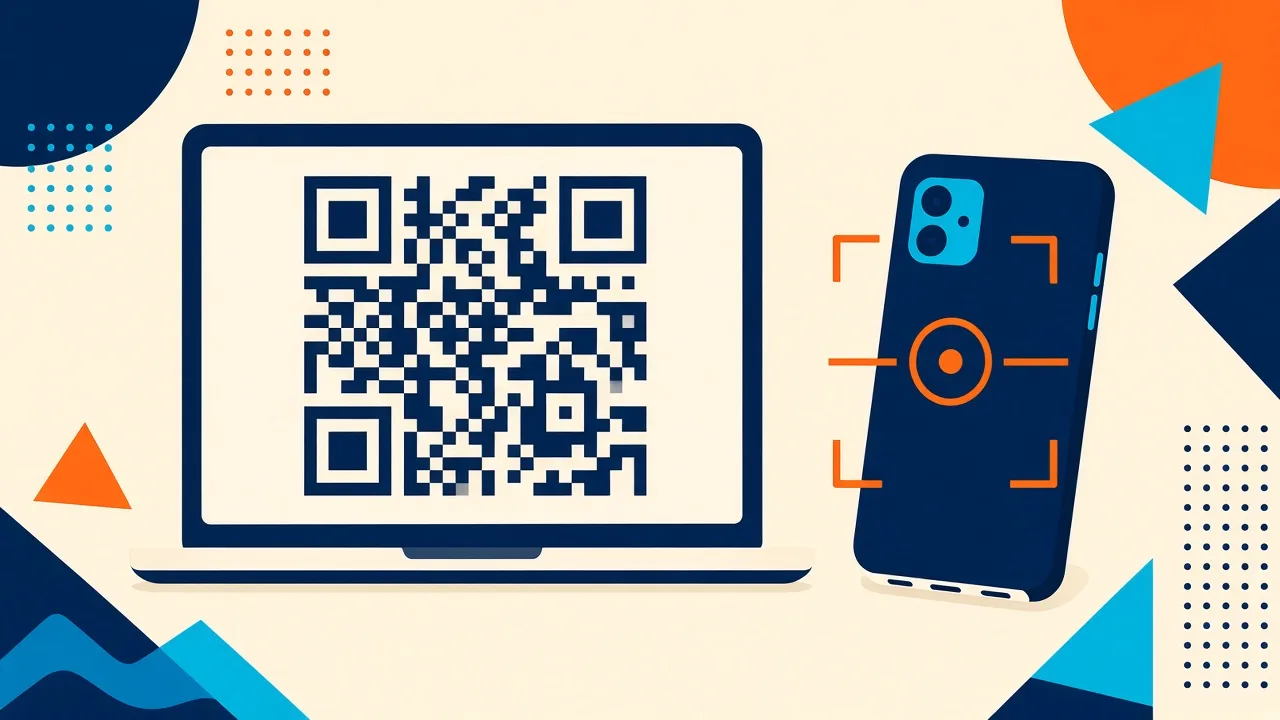
Pairing an Android phone as an SMS gateway with QR is how the control plane learns which SIM may send. It is not a telco checkout. Scan, confirm online, then prove a PDU left the radio.
Service pricing is based on device count and total SMS sent through the gateway. Setup. Downloads. How the gateway works.
A QR left on a conference-room TV is a pairing token, not wayfinding. Close the tab when the scan succeeds.
QR binds a phone, not airtime
IP path for pair. Cellular path for SMS. Debug them separately. You need a working Android phone with a SIM and SMS credit from your mobile operator. Operator message costs are yours—we do not sell carrier SMS balance.
Pairing vs radio
| Symptom | Layer | Fix |
|---|---|---|
| Camera never locks | Scan | Brightness, tilt, regenerate QR |
| Scan then expiry error | Pairing token | Fresh QR, phone clock automatic |
| Online, SMS never leaves | Radio / OEM | Permissions, battery exempt, prepaid |
| SMS leaves, no DLR | Webhook / GET | DLR / webhooks |
Scan steps
- Prepare phone and SIM. Dedicated Android, SIM that can send SMS, charged, signal confirmed.
- Install the gateway app. Install from Downloads, grant SMS/phone permissions.
- Open dashboard QR. Sign in, Devices / Pair, bright private screen. Do not screenshot into Slack.
- Scan and confirm. In-app scan, wait for success, device shows online.
- Send a verification SMS. Test to a known handset, then DLR/webhook before OTP.
Treat the QR like a secret
Short-lived. No public screenshots. Staging vs production account before you scan. Device slots still meter — a spare you pair counts. Pricing.
Verify with a real SMS
Staff handset, then optional API canary. OpenAPI. OTP only after DLR looks sane. Spare phone.
Checklist
- Stock Messages app can send.
- APK from Downloads, not a random zip.
- QR tab closed after success.
- Device named in the panel.
- OEM exemptions after pair.
- Re-pair runbook after wipe.
Next steps
Pair, send, unplug Wi-Fi, send again. If pairing dies when the hotel portal does, you learned the IP layer. Multi-device when you add a spare.
Related product pages
Jump to the live product docs for this topic—not another long-form article.
- device and SMS volume pricingPlans and allowances
- Android SMS gateway product guideDefinition, product, and how to buy
- SMS API documentationLive endpoint reference
- download the Android gateway appGet the APK