Laravel / Frameworks: How to version your integrations

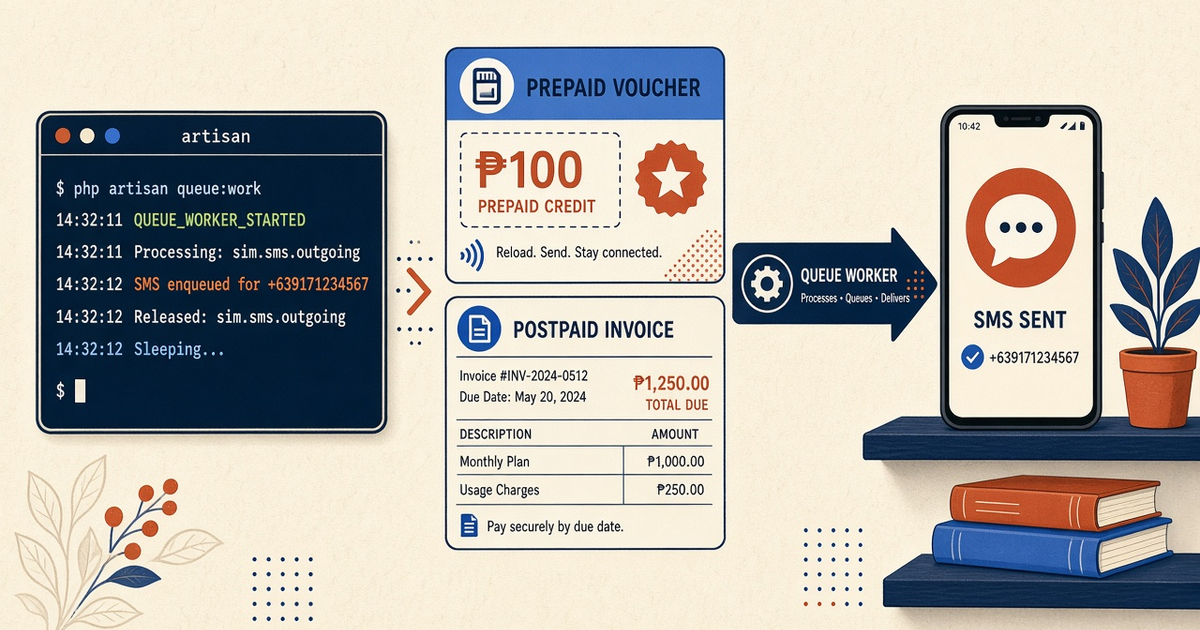
Featured illustration for Laravel / Frameworks: How to version your integrations

Laravel / Frameworks: How to version your integrations. Actionable guide on how to version your integrations in context of laravel sms gateway. Include prerequisites, steps, limits, and internal links. Priced by devices and SMS send volume; BYO phone and operator credit.

Written by the SMS Gateway team for operators who run phones and airtime themselves — not for theoretical cloud SMS demos.

InformationAndroid SMS GatewayHow-ToHub I
Article
Published
December 5, 2025
Updated
December 7, 2025
Reading time
16 minute read

Key Takeaways

  • Laravel integration versioning is your Notification channel + job payload, not composer require sms-gateway/sdk:^2.
  • We do not ship a versioned Laravel SDK. Pin live field names from Developer Center in a mapper you own.
  • Idempotency keys and message-id columns are harder to migrate than a string constant.
  • Do not silently switch OTP to a new deviceId in the same “v2” deploy without a canary.
  • Priced by devices and SMS send volume. You use your own phone and operator SMS credit. A replay of v1 jobs during a deploy still spends pulsa.

Version your channel, not a fake SDK

Laravel / frameworks: how to version your integrations against an Android SMS gateway is change control on your HTTP mapper. Developer Center. Laravel send SMS. Laravel notifications.

If the upgrade plan is “composer update and hope the radio still pairs,” you do not have versioning. You have a Friday incident.
Your mapper versions change; the Android radio does not become an SDKv1v2MAPPER
Version the client you own. The SIM does not semver.

What actually needs a version

SurfaceVersion?Why
Composer “SDK”N/AWe do not ship one
Your mapperYesJSON field names
Job payloadYesOld workers in flight
deviceId / OTP poolChange separatelyRadio blast radius
Webhook HMACDocumentPaid plans only

Developer Center is the live contract

Blog samples rot. SMS API documentation. PHP samples are illustrations.

Ship v1 without painting into a corner

  1. Put HTTP behind one mapper class. SmsGatewayClient::send(). Jobs never build JSON ad hoc in three listeners.
  2. Version the job payload, not the vendor. sms_jobs.payload_version. Old workers must still deserialize.
  3. Keep a staff canary on every mapper bump. Same Laravel path, staff MSISDN, DLR check.
  4. Never rename OTP deviceId in the same PR as a field change. Two blast radii. Two rollbacks.
  5. Document webhook signature headers you rely on. Paid plans. Free has no webhooks — poll stays in v1.
  6. Tag the deploy with the Developer Center doc date. Support needs to know which contract you thought you were on.

Device setup. Multi-device.

What a field rename looks like

Dual-write old and new keys for one deploy if the plane still accepts both. Never “fix prod” by replaying last week’s OTP queue.

Old jobs still bill

Service pricing is based on device count and total SMS sent through the gateway. You need a working Android phone with a SIM and SMS credit from your mobile operator. Operator message costs are yours—we do not sell carrier SMS balance. Paid from $19/month; Free 300 SMS lifetime. Device and SMS volume pricing.

Next steps

One mapper, payload versions, canary, split radio changes. Then stop pinning a Composer SDK that is not in packagist because we never published it.

Jump to the live product docs for this topic—not another long-form article.

FAQ

Frequently asked questions

Direct answers about laravel sms gateway how to version your integrations.

How do I composer update the official Laravel gateway SDK?

You do not. There is no such package from us. Version the thin HTTP mapper in your app.

Should I vendor the JSON schema?

Snapshot the fields you use. Re-read Developer Center on upgrade day. Do not treat a blog sample as a lockfile.

Is dual SIM a v2 routing strategy?

No. Dual SIM is one device seat. Version routing as deviceIds you actually paired.

Where are live parameters?

Developer Center. This page is how you change *your* code safely.
Keep learning

Topically related guides—chosen by subject overlap, not a fixed sitewide footer.

Information
android phone as sms gateway how to version your integrations

Phone as Gateway: How to version your integrations

Phone as Gateway: How to version your integrations. Actionable guide on how to version your integrations in context of android phone as sms gateway. Include prerequisites, steps, limits, and internal links. Priced by devices and SMS send volume; BYO phone and operator credit.

Dec 14, 202516 min
Read article
Information
laravel sms gateway how to avoid spammy wording

Laravel / Frameworks: How to avoid spammy wording

Laravel / Frameworks: How to avoid spammy wording. Actionable guide on how to avoid spammy wording in context of laravel sms gateway. Include prerequisites, steps, limits, and internal links. Priced by devices and SMS send volume; BYO phone and operator credit.

Apr 1, 202516 min
Read article
Information
laravel sms gateway how to choose prepaid vs postpaid sims

Laravel / Frameworks: How to choose prepaid vs postpaid SIMs

Laravel / Frameworks: How to choose prepaid vs postpaid SIMs. Actionable guide on how to choose prepaid vs postpaid SIMs in context of laravel sms gateway. Include prerequisites, steps, limits, and internal links. Priced by devices and SMS send volume; BYO phone and operator credit.

Mar 24, 202616 min
Read article
Information
laravel sms gateway how to design otp templates

Laravel / Frameworks: How to design OTP templates

Laravel / Frameworks: How to design OTP templates. Actionable guide on how to design OTP templates in context of laravel sms gateway. Include prerequisites, steps, limits, and internal links. Priced by devices and SMS send volume; BYO phone and operator credit.

Aug 27, 202516 min
Read article

Browse the full Android SMS gateway knowledge base or return to how an Android SMS gateway works.

Get started

Test the gateway on your own Android phone

Install the app, pair one device, and validate your API flow before choosing a paid plan.

You supply the phone, SIM, and operator SMS credit.