Key Takeaways
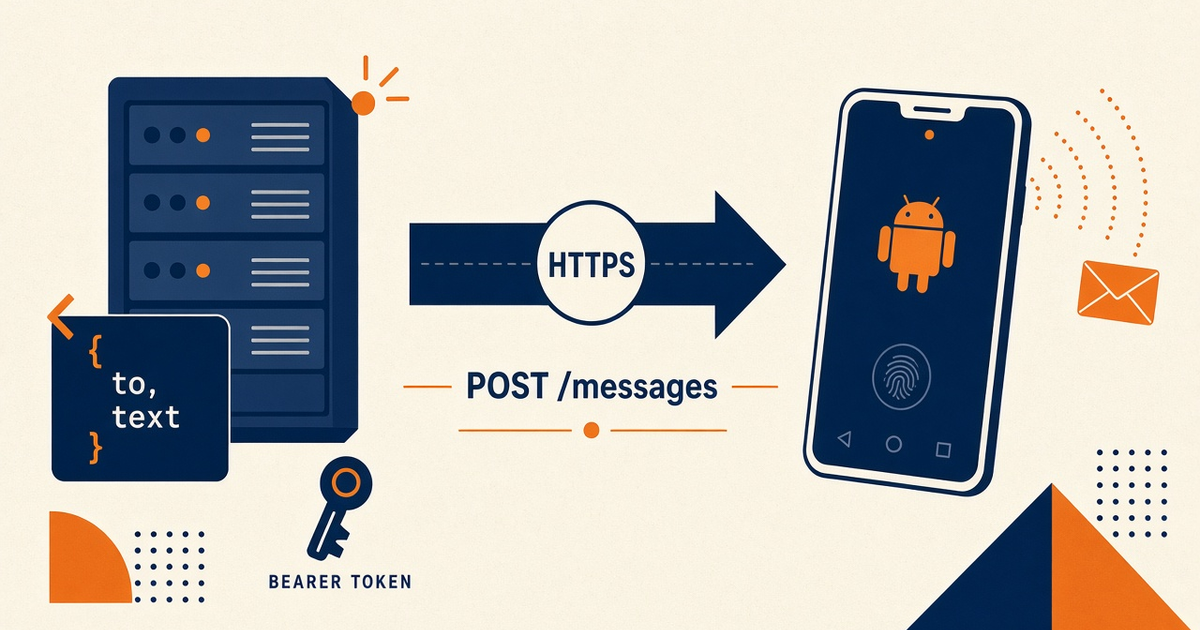
- mcp server cursor mcp sms setup concepts: Cursor talks MCP; your server POSTs /api/v1/messages; the paired Android transmits.
- No first-party Cursor plugin from us. You register a command in MCP settings.
- Do not paste Bearer tokens into the chat. Env on the stdio process.
- Claude Desktop uses a different config file — do not copy paths blindly.
- Priced by devices and SMS send volume. You use your own phone and operator SMS credit. Tool calls that hit the radio still spend airtime.
- The in-depth how-to is the sibling; this page is the mental model.
Cursor hosts the agent; you wrap REST
Search intent for mcp server cursor mcp sms setup concepts is the architecture, not a marketplace install. Service pricing is based on device count and total SMS sent through the gateway. Step-by-step: Cursor MCP SMS setup. Spec: modelcontextprotocol.io.
Registering a server in mcp.json does not pair a phone. If last-seen is stale, Cursor will happily describe a send that never left the SIM.
mcp.json is registration, not the SMSC
Command + args start your process. The process calls docs.sms-gateway.app. Overview: SMS MCP server overview.
| Layer | Cursor shape | Not this |
|---|---|---|
| Agent host | Cursor MCP settings / mcp.json | A Play Store SMS plugin from us |
| Tool process | Your server; env key | Secrets in the composer box |
| Control plane | POST /messages as documented | Invented hosts or query-string keys |
| Radio | Paired Android + operator credit | The IDE becoming an SMSC |
Cursor vs Claude Desktop
Same REST tools, different host config. Claude Desktop concepts.
Scope tools before they exist
send_canary vs send_bulk. Allowlist. Idempotency-Key from a business id. OTP policy: agentic OTP concepts. Priced by devices and SMS send volume. You use your own phone and operator SMS credit.
Where the step-by-step lives
This spoke stays conceptual on purpose so it does not drift from Cursor’s UI. Follow the how-to for registration, restart, and canary.
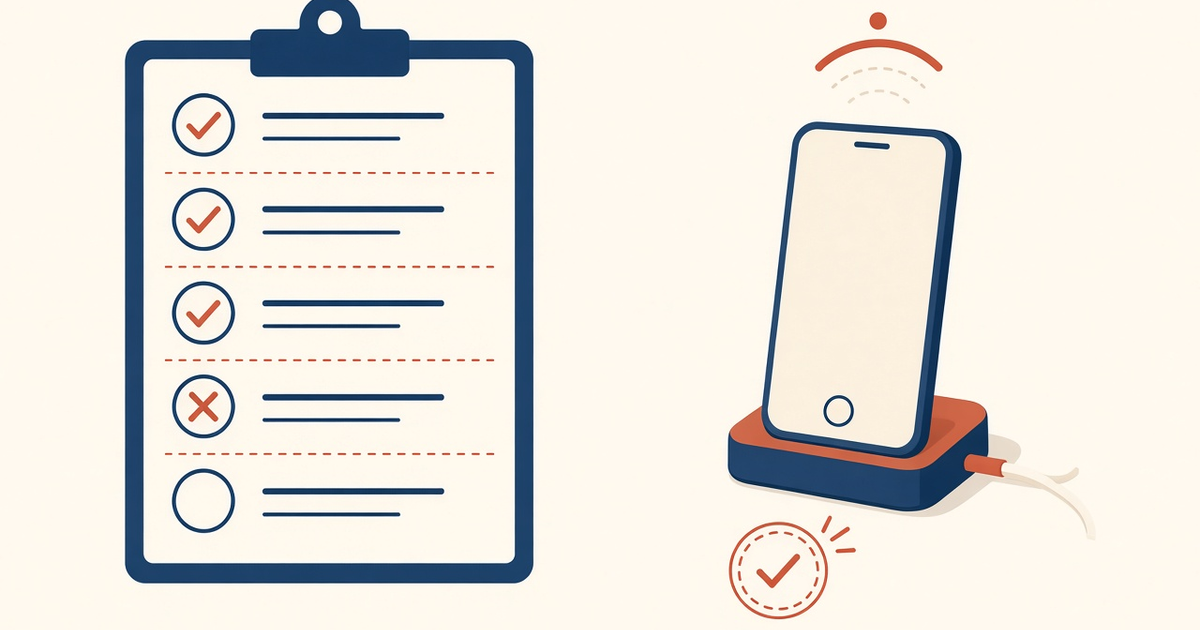
Cursor MCP concepts checklist
- No first-party plugin expectation.
- Key in MCP env; chat stays clean.
- Phone paired; last-seen fresh.
- Tools scoped; OTP off the agent.
- Staff canary before production numbers.
Next steps
Open the how-to and register one canary tool. Setup. Pricing.
Related product pages
Jump to the live product docs for this topic—not another long-form article.
- SMS API documentationLive endpoint reference
- device and SMS volume pricingPlans and allowances
- device setup guidePair and go live
- download the Android gateway appGet the APK