Key Takeaways
- Cursor MCP SMS setup security is env keys, scoped tools, and HMAC — not a first-party Cursor plugin from SMS Gateway.
- mcp.json should name the command, not the Bearer token.
- Least-privilege key per workspace. Production send tools stay off until allowlists exist.
- Setup walkthrough is a sibling; this page is the threat model.
- Developer Center owns live REST fields.
- BYO Android and operator credit. We meter devices and volume (Free 300 lifetime; paid from $19/mo).
Summary
Security for Cursor MCP SMS setup is how you register the adapter without leaking send rights. Do not clone the product H1 on Cursor MCP SMS setup. Concepts: what is MCP for SMS. Spec: modelcontextprotocol.io. REST: Developer Center.
mcp.json that contains a Bearer token is a committed outage. Cursor did not leak it — you filed it.
mcp.json is not a credential vault
Cursor hosts the agent. You host the MCP process and the Android radio. Pairing is still setup. No first-party Cursor plugin.
Context
Setup walkthroughs optimize for “tools appeared.” This spoke optimizes for “a prompt cannot spend the SIM.” Same REST physics as the API hub.
Secure setup sequence
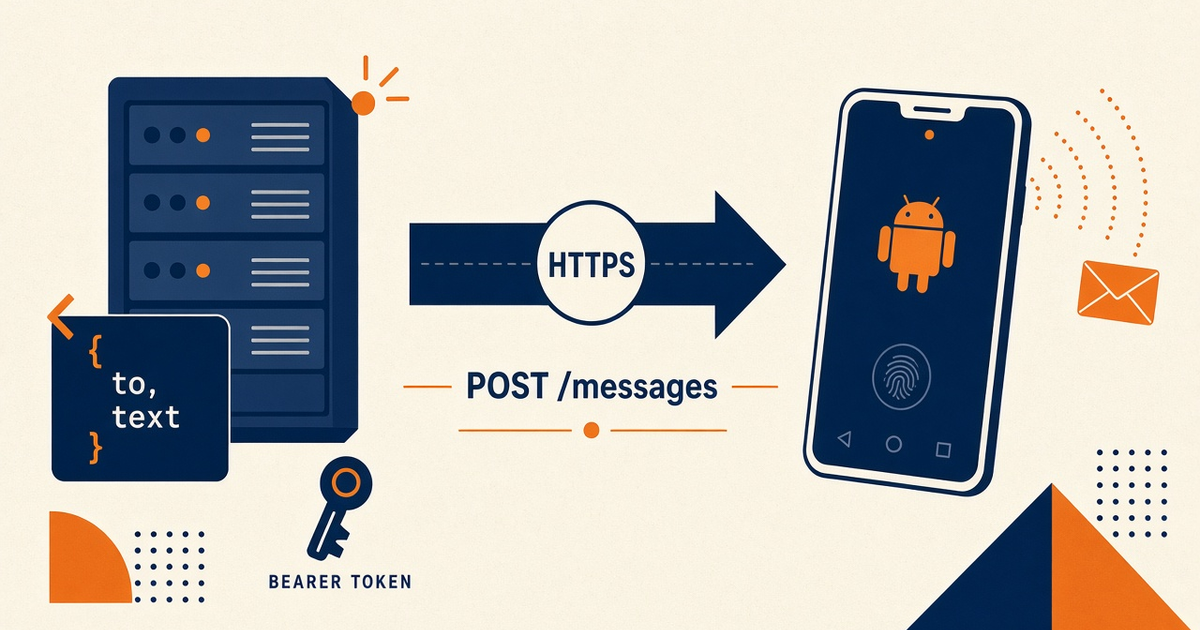
- Implement tools that wrap POST /messages and DLR — fields from Developer Center only.
- Export
SMS_GATEWAY_API_KEYin the MCP process env. - Register command/args in Cursor MCP settings. Restart the host.
- Least-privilege: canary destination allowlist; no open send.
- HMAC-verify webhooks if the server accepts inbound HTTP.
Layer table
| Layer | Holds | Must not hold |
|---|---|---|
| Cursor chat | Intent | Bearer token, OTP digits |
| mcp.json | Command, args | Secrets |
| MCP process | Env key, HMAC secret | Customer dumps |
| Android + SIM | Radio + airtime | MCP config |
Tool calls meter volume
Accepted sends bill platform volume and the operator. Devices and volume. Agent retries need a cap.
Operations
After Cursor updates, confirm the server still starts without keys in the JSON. Last-seen on the handset is the uptime check.
HMAC and least privilege
Inbound tools that create webhooks must persist and verify signatures. Webhook integration. Rotate keys when a workspace is shared.
Decision guide
Keep this Cursor profile on staging until allowlists and HMAC are proven. Production OTP stays on the product path — see agentic OTP security.
Checklist
- No token in mcp.json or git.
- Least-privilege key.
- HMAC on inbound.
- Allowlisted canary only.
- No first-party plugin claim.
Next steps
Follow the in-depth setup without copying secrets into chat. Desktop host sibling: Claude Desktop tools security.
Related product pages
Jump to the live product docs for this topic—not another long-form article.
- SMS API documentationLive endpoint reference
- device and SMS volume pricingPlans and allowances
- device setup guidePair and go live
- download the Android gateway appGet the APK