Key Takeaways
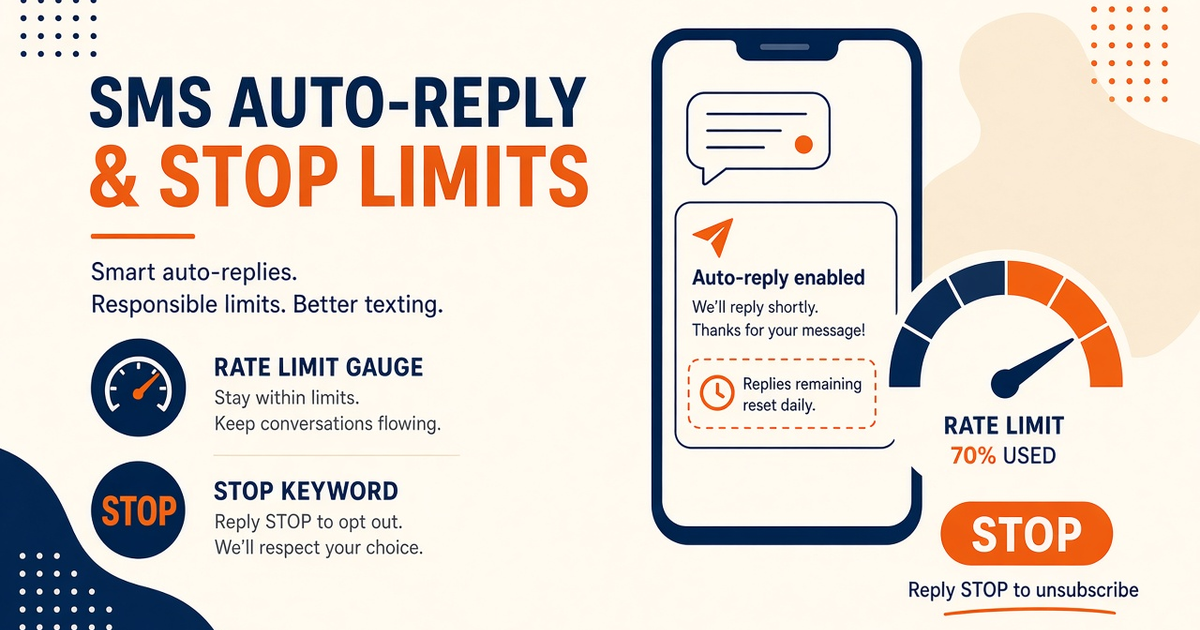
- MCP rate limits and safety means the agent honors 429, OEM SmsManager ceilings, and plan SMS/device caps — not filter evasion or “unlimited send.”
- REST wrapper, not a first-party Cursor/Claude plugin. No MCP server source on this page.
- Free pauses at 300 SMS lifetime. Developer at 25,000/year. Starter/Pro/Business uncap platform volume and still cap devices 2/5/15.
- Raising OEM send ceilings is an Android settings topic. Carrier fair-use still applies.
- Bulk tools need a human gate. Consent and STOP still apply on promo.
- You bring the Android and operator credit. We meter devices and send volume.
Caps you honor, not filters you dodge
MCP rate limits and safety — example agent prompt is how you stop a tool-calling model from hammering a SIM. It is not a guide to evade spam filters or “remove Android SMS rate limits.” Link the MCP overview.
Speed is not a moral virtue when the ceiling is a prepaid pack and an OEM slider.
Agent send burst
Example agent prompt
“Honor 429 with backoff. Never raise send rate because the user said ‘faster.’ Never suggest filter evasion. Cap bulk behind human approval. Isolate OTP. If Free or Developer allowance is exhausted, stop and point at pricing — do not retry.” Fields: Developer Center.
Which ceiling is which
| Ceiling | Who owns it | Agent must |
|---|---|---|
| OEM SmsManager / battery | Android vendor | Pace; do not “bypass” |
| Carrier fair-use / voucher | Operator | Stop on reject; top-up is human |
| Plan SMS allowance | Free 300 lifetime; Dev 25k/year | Pause — no silent overage |
| Device SKU | 1 / 2 / 5 / 15 | Not invent extra radios |
| Consent / STOP | You + law | Refuse promo without list hygiene |
Promo still cares about quiet hours — USA SMS gateway notes. Bulk consent: bulk SMS with consent.
OEM vs plan vs carrier
Operators can raise OEM send ceilings in Android settings. That does not delete carrier fair-use or our device meter. Starter / Professional / Business uncap platform send volume; airtime remains yours. See device and SMS volume pricing.
Cost
You bring the Android and operator SMS credit. Ignoring 429 still burns both meters. Free: 1 device / 300 SMS lifetime / 300 contacts.
Checklist
- No filter-evasion language.
- No “unlimited SMS” in the prompt.
- 429 backoff required.
- Human gate for bulk.
- OTP isolated.
- Free/Developer pause explained.
- Not a first-party plugin.
- Developer Center for live fields.
Next steps
Transport pinning is streamable HTTP. Tenant isolation is the multi-tenant prompt. Pair in device setup.
Related product pages
Jump to the live product docs for this topic—not another long-form article.
- SMS API documentationLive endpoint reference
- device and SMS volume pricingPlans and allowances
- Android SMS gateway product guideDefinition, product, and how to buy
- download the Android gateway appGet the APK