Key Takeaways
- android sms gateway otp priority queue best practices start with device isolation. A software queue on one SIM still shares one radio.
- Marketing must not occupy the OTP handset — even “just this campaign.”
- Pin OTP sends to a known deviceIds pool; confirm the field in Developer Center.
- Expire OTPs in your app. A queued code from twelve minutes ago should die, not jump the line.
- Priced by devices and SMS send volume. You use your own phone and operator SMS credit. Retries still burn operator SMS.
- Free 300 SMS lifetime is for proving the hop, not a blast.
Teams looking up android sms gateway OTP priority-queue best practices usually just watched a login code sit behind a newsletter. The feature habit is simple: do not share the radio. OTP verification is the product job; this spoke is the queue.
Priced by devices and SMS send volume. You use your own phone and operator SMS credit.
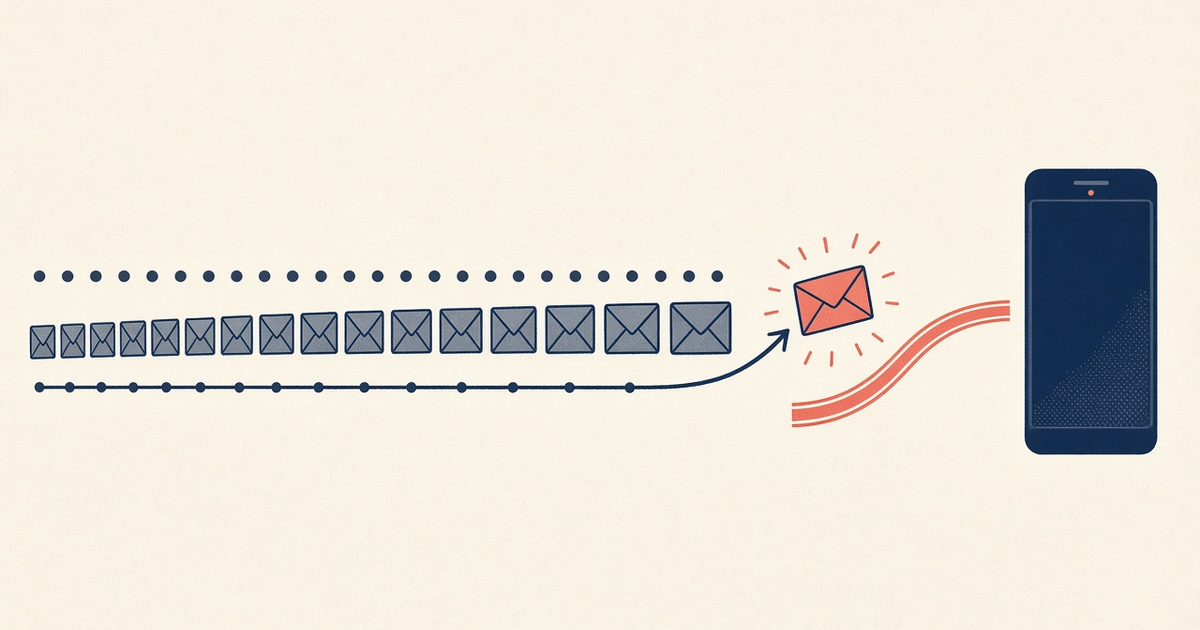
A priority queue that dumps onto the same modem as a CSV blast is a spreadsheet with aspirations. The SIM does not care about your enum.
Priority is useless on one congested SIM
Android sends SMS serially on that subscription. Your backend can label jobs “P0,” but the handset still finishes the current PDU. Fair-use and OEM rate ceilings still apply. Do not advertise this as unlimited carrier send.
Where to put priority
| Layer | What it can do | What it cannot do |
|---|---|---|
| Two device pools | OTP never waits on promo PDUs | Remove operator airtime cost |
| Backend job queue | OTP workers starve bulk workers | Help if both workers target one phone |
deviceIds on POST /messages | Pin the send to the OTP handset | Create a spare that is not paired |
| App-side expiry | Drop codes older than your SLO | Unsend a radio message already in flight |
Separate devices first
Fund and charge an OTP phone. Keep promo on another. Failover stays inside the OTP pool — see multi-device failover. Device count is a plan meter: pricing.
Then the software queue
In your workers: OTP jobs preempt bulk. Use an Idempotency-Key per login attempt. Confirm deviceIds in docs. Do not invent a /priority-otp path.
Do not prioritize a stale OTP
If the phone was offline, drop codes past your TTL instead of leaping them to the front. The user already requested a new one. Offline queues must expire, not flush blindly.
Carrier pace still wins
Hammering the OTP SIM “because it is P0” still trips operator and OEM ceilings. Pace, canary, watch DLR age.
Checklist
- OTP device pool ≠ promo pool.
- Workers cannot target the OTP handset for campaigns.
- TTL drop for queued codes.
- Idempotency on user-visible sends.
- Spare OTP phone canaried.
- On-call knows which device is P0.
Next steps
Split the fleet, then tune the worker. Pair from setup.
Related product pages
Jump to the live product docs for this topic—not another long-form article.
- OTP and 2FA SMS on AndroidAuthentication flows
- SMS API documentationLive endpoint reference
- device and SMS volume pricingPlans and allowances
- Android SMS gateway product guideDefinition, product, and how to buy