Key Takeaways
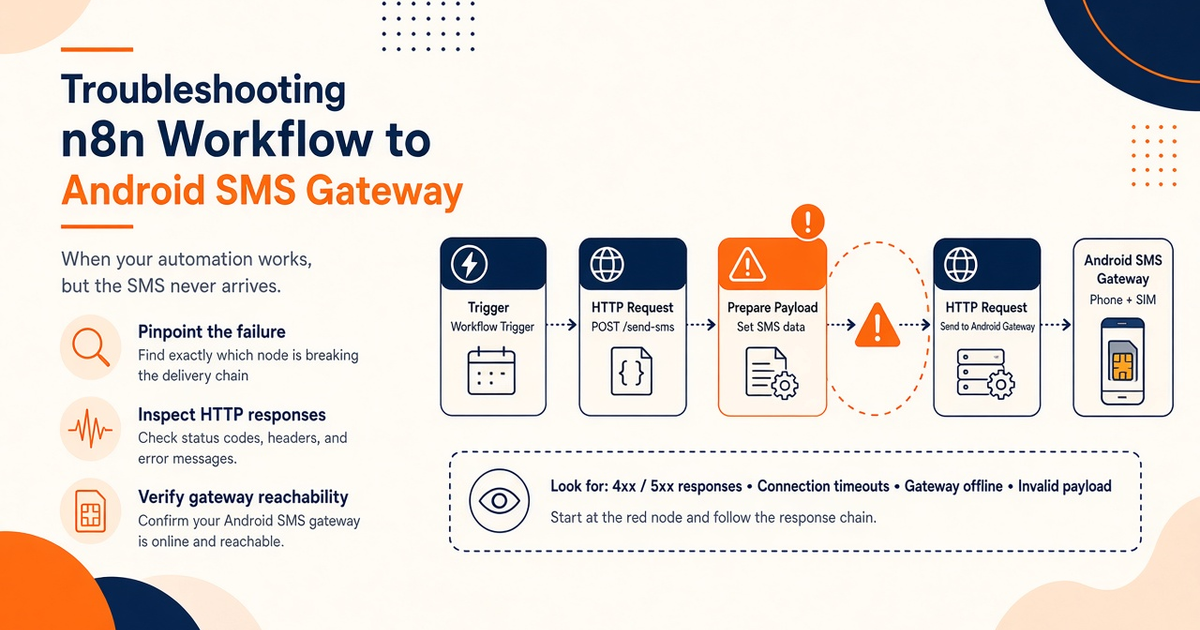
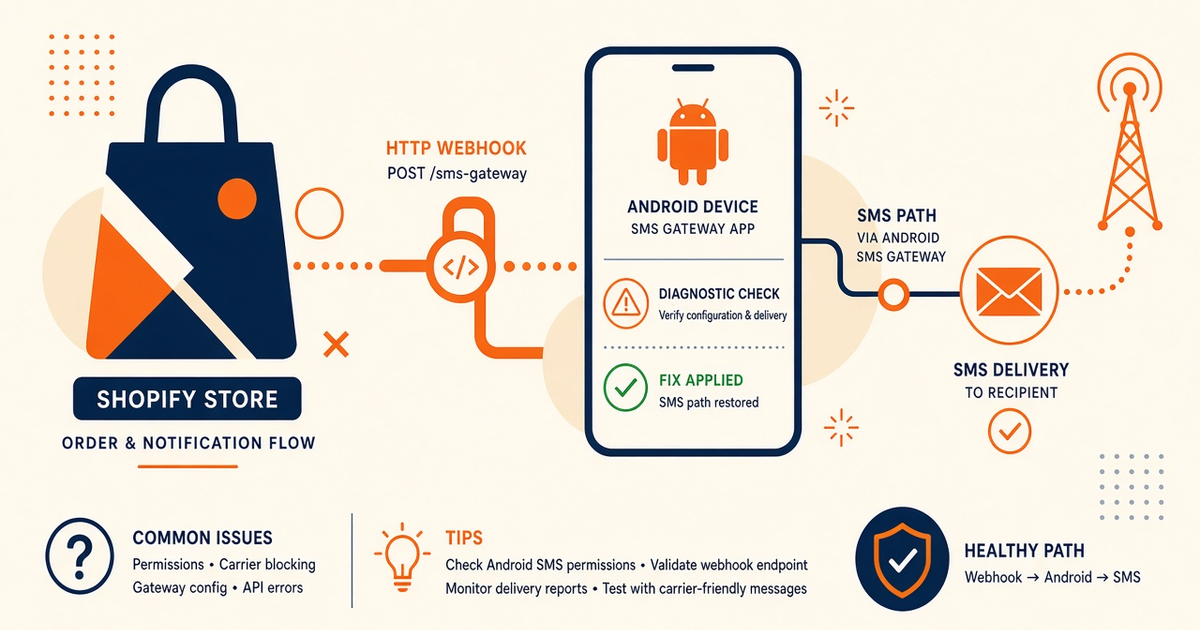
- GoHighLevel + Android SMS gateway troubleshooting is a pipeline problem: GHL workflow → your HTTPS worker → control plane → paired phone → operator.
- There is no first-party GHL plugin from us. Describe REST and webhooks. Do not paste a marketplace “SMS app.”
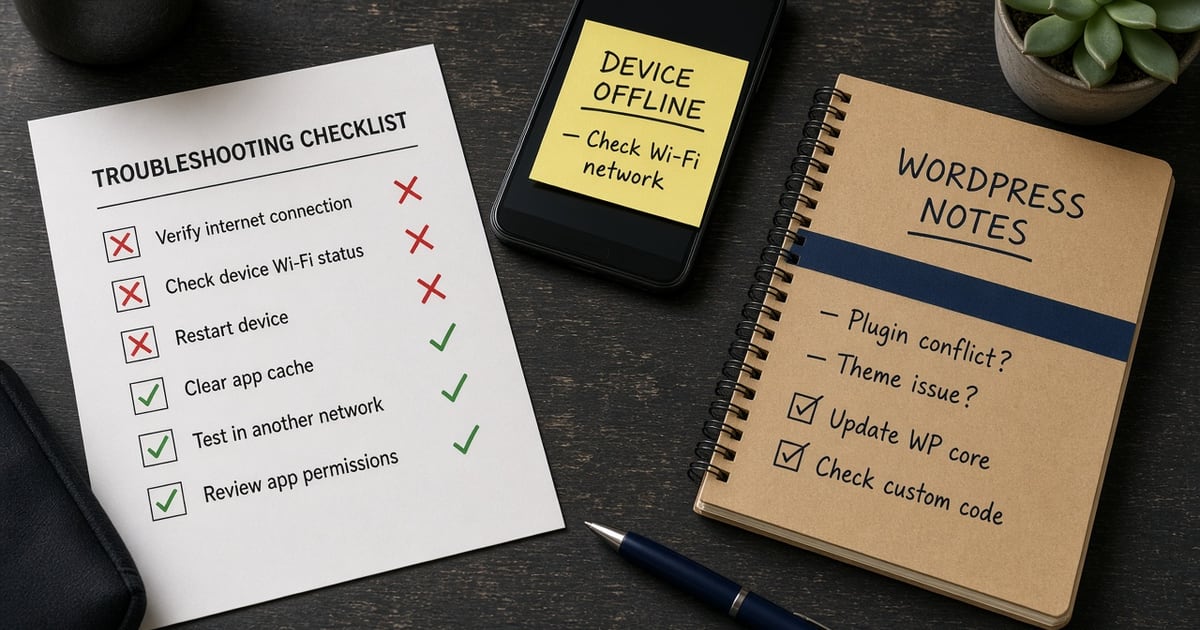
- Most “GHL is down” tickets are a drained SIM, Doze, or a workflow that never called your worker.
- Inbound replies hit our webhook, not GHL’s native SMS vendor, unless you forward them.
- You need a working Android phone with a SIM and SMS credit from your mobile operator. Operator message costs are yours—we do not sell carrier SMS balance.
GoHighLevel + Android SMS Gateway: Troubleshooting is for agencies that wired a HighLevel workflow to a paired Android and then watched a pipeline stall. This is not a plugin install guide. Patterns only — REST send, webhooks, device ops. Android SMS gateway API. Live fields: Developer Center. GHL’s own workflow docs (vendor, not us): help.gohighlevel.com.
You bring the phone and operator credit. Devices and send volume.
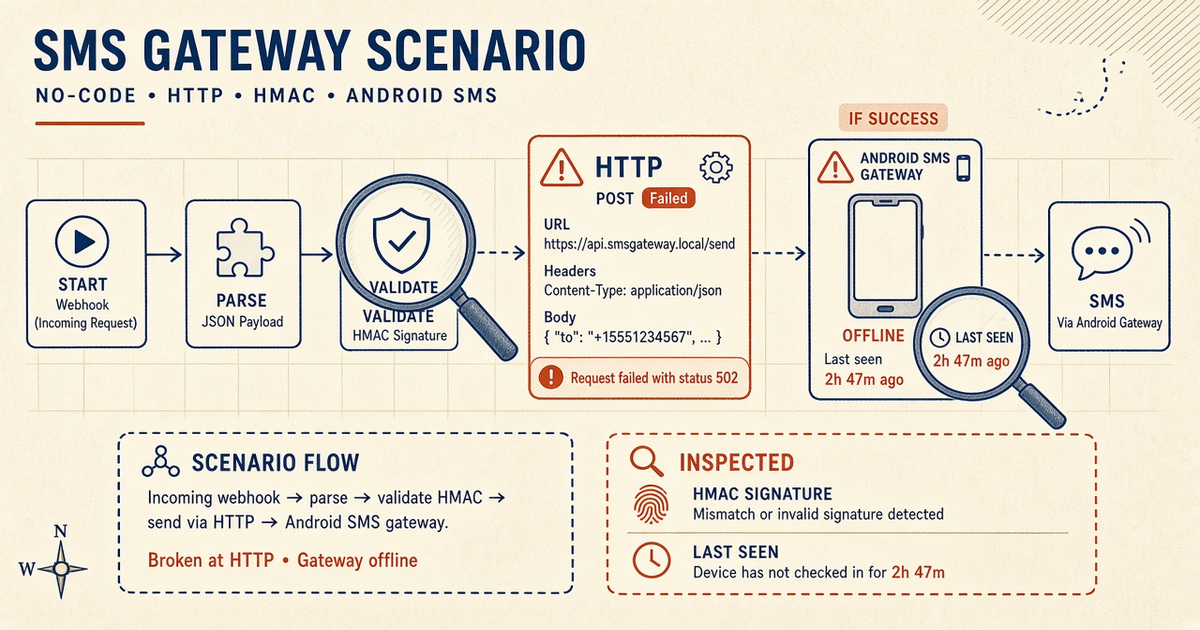
Workflow · worker · queue · SIM · SMSC. The first dark node is the ticket.
GHL does not become the radio
HighLevel can trigger HTTP. The Android still sends. If the handset is in a bag on Doze, the CRM timeline will still look “successful” whenever your worker returned 200. How the gateway works.
A green workflow log is not a delivery report. It is a confession that your webhook was reachable.
Symptom → likely cause
| Symptom | Check first | Then |
|---|---|---|
| Workflow never runs | GHL trigger, filters, test contact | Vendor workflow debugger |
| Custom webhook 4xx | URL, auth header, JSON shape | Your worker logs |
| Worker 200, no SMS | Device last-seen, pairing | Setup |
| Queued forever | OEM battery, charger | OEM restrictions |
| Native SMS works, API does not | Bearer key, Idempotency-Key | Developer Center fields |
| Replies missing in GHL | You never forwarded inbound | Two-way SMS |
Workflow never fires
That is a GHL problem until a test contact hits your HTTPS endpoint. Confirm the outbound request in HighLevel’s logs before you blame the SIM. Do not install random marketplace SMS connectors and expect them to speak our contract.
Workflow fired, no bubble
Walk the worker: env key present, POST /messages, persist the message id. Then the drawer: keep the phone online overnight. Empty prepaid looks like an app bug. Delivery reports.
Replies never land in GHL
Inbound SMS arrives on the SIM, then our message.received webhook. HighLevel will not magically ingest that unless you map the payload into a GHL inbound webhook / custom field. Signature headers: Java webhook verify.
OTP vs blast in one pipeline
Agencies love one “SMS” action for reminders and login codes. That starves OTP when a campaign queues. Isolate devices · OTP. Canaries spend the 300 Free lifetime SMS — not a client blast.
Next steps
Send a staff contact through the exact production workflow, then check DLR — not the GHL checkbox. Install the Android app.
Related product pages
Jump to the live product docs for this topic—not another long-form article.
- SMS API documentationLive endpoint reference
- device and SMS volume pricingPlans and allowances
- Android SMS gateway product guideDefinition, product, and how to buy
- download the Android gateway appGet the APK